Due to the instability of OpenAI services, I plan not to renew my subscription. I will look for other alternatives, such as using NotionAI for document processing, GitHub Copilot for coding, and for some translation and text processing tasks, I choose Ollama.
Ollama Local Large Models
Ollama is an open-source framework for running large language models (LLMs) locally. It provides developers and researchers with an integrated platform to conveniently build, train, and share their language models.
For more details, refer to the documentation on Github:
https://github.com/ollama/ollama
How to Use Ollama
Using Ollama is very simple, just a few steps:
-
Install Ollama by visiting the official Ollama website: https://ollama.com/.
-
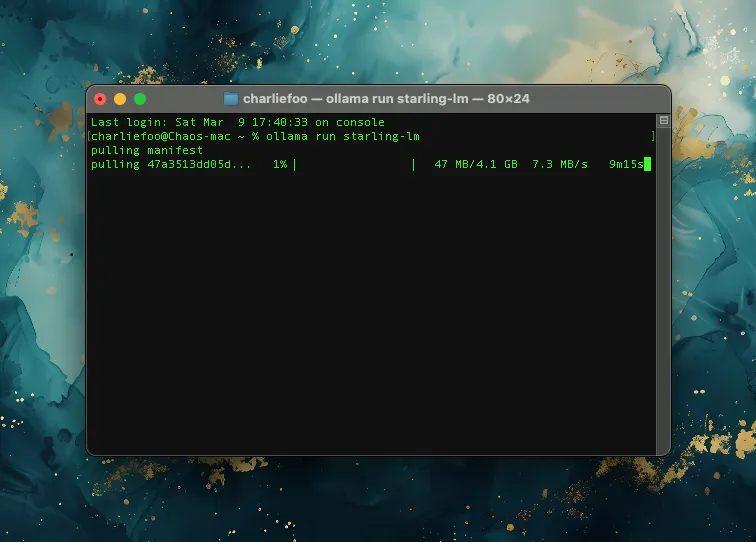
Download the language model you want to use. (Run the command from the Download column in the table below in the terminal)
-
Use the Ollama API to load the language model.
-
Call the language model API for predictions.
Models Supported by Ollama
All the models below can be downloaded. Copy the “Download Command” and run it in the terminal.
Official model list: https://ollama.com/library
| Model | Parameters | Size | Download Command | Update Date |
|---|
| Qwen2 | 7B | 4.4GB | ollama run qwen2:7b | 2024/06/07 |
| codestral | 22B | 12 GB | ollama run codestral | 2024/06/05 |
| Mistral:v0.3 | 7B | 4.1GB | ollama run mistral:v0.3 | 2024/06/05 |
| Yi:9b | 9B | 5.0GB | ollama run yi:9b | 2024/06/05 |
| Llama 3.1 | 8B | 4.7GB | ollama run llama3.1 | 2024/07/25 |
| Llama 3.1 | 70B | 40GB | ollama run llama3.1:70b | 2024/07/25 |
| Llama 3.1 | 405B | 231GB | ollama run llama3.1:405b | 2024/07/25 |
| Phi 3 Mini | 3.8B | 2.3GB | ollama run phi3 | 2024/06/28 |
| Phi 3 Medium | 14B | 7.9GB | ollama run phi3:medium | 2024/06/28 |
| Gemma 2 | 9B | 5.5GB | ollama run gemma2 | 2024/06/28 |
| Gemma 2 | 27B | 16GB | ollama run gemma2:27b | 2024/06/28 |
| Mistral | 7B | 4.1GB | ollama run mistral | 2024/04/25 |
| Moondream 2 | 1.4B | 829MB | ollama run moondream | 2024/06/28 |
| Neural Chat | 7B | 4.1GB | ollama run neural-chat | 2024/04/25 |
| Starling | 7B | 4.1GB | ollama run starling-lm | 2024/04/25 |
| Code Llama | 7B | 3.8GB | ollama run codellama | 2024/04/25 |
| Llama 2 Uncensored | 7B | 3.8GB | ollama run llama2-uncensored | 2024/04/25 |
| LLaVA | 7B | 4.5GB | ollama run llava | 2024/04/25 |
| Solar | 10.7B | 6.1GB | ollama run solar | 2024/04/25 |
To delete a model, copy the command below and replace “llama2” with the model you want to remove.
ollama rm llama2
Personally Recommended Models
Updated 2024/06/07
-
Qwen2 (7B)
Currently the best local model. In practical use for scenarios like translation and daily conversation, the experience is better than Llama 3.
Qwen2 is a super-large-scale pre-trained language model independently developed by Alibaba Cloud. It can handle various natural language tasks, including but not limited to text generation, translation, Q&A, etc. Its capabilities are reflected in understanding complex contexts and generating high-quality, diverse responses, suitable for various scenarios such as dialogue systems, text creation, and intelligent customer service.
-
Mistral:v0.3 (Daily Conversation)
Updated to v0.3 version.
Mistral-7B-v0.3 is a large language model (LLM) developed by the Mistral AI team, an upgraded version of Mistral-7B-v0.2. The model has been improved and enhanced in several aspects. Through a series of strategic improvements including vocabulary expansion, improved tokenizer support, and the introduction of function calling, it shows encouraging results.
Finding More Models
Updated 2024/04/28
💡 Artificial Analysis
Updated with the scoring website recommended by Professor Andrew Ng!
Model & API Providers Analysis | Artificial Analysis
💡 Brother Lin’s Wild Large Model Rankings
A ranking of large model products more suitable for the Chinese audience.
林哥的大模型野榜
💡 Open LLM Leaderboard
Hugging Face is a popular community for open-source models. This is the leaderboard data officially maintained by them.
Open LLM Leaderboard - a Hugging Face Space by HuggingFaceH4
💡 SuperCLUE Overall Rankings
SuperCLUE is a comprehensive evaluation benchmark for Chinese general large models, assessing model capabilities from three different dimensions: basic ability, professional ability, and Chinese-specific ability.
SuperCLUE
💡 MMLU Massive Multitask Language Understanding Benchmark
MMLU stands for Massive Multitask Language Understanding. It is an evaluation of large models’ language understanding capabilities and is one of the most famous large model semantic understanding evaluations, developed by researchers at UC Berkeley.
Papers with Code - MMLU Benchmark (Multi-task Language Understanding)
💡 LLMEval
LLMEval is a large model evaluation benchmark launched by the NLP Lab of Fudan University. The latest LLMEval-3 focuses on evaluating professional knowledge capabilities, covering 13 academic disciplines and over 50 sub-disciplines as defined by the Ministry of Education, including philosophy, economics, law, education, literature, history, science, engineering, agriculture, medicine, military science, management, and arts, totaling about 200,000 standard generative Q&A questions.
LLM-EVAL
Simple Test
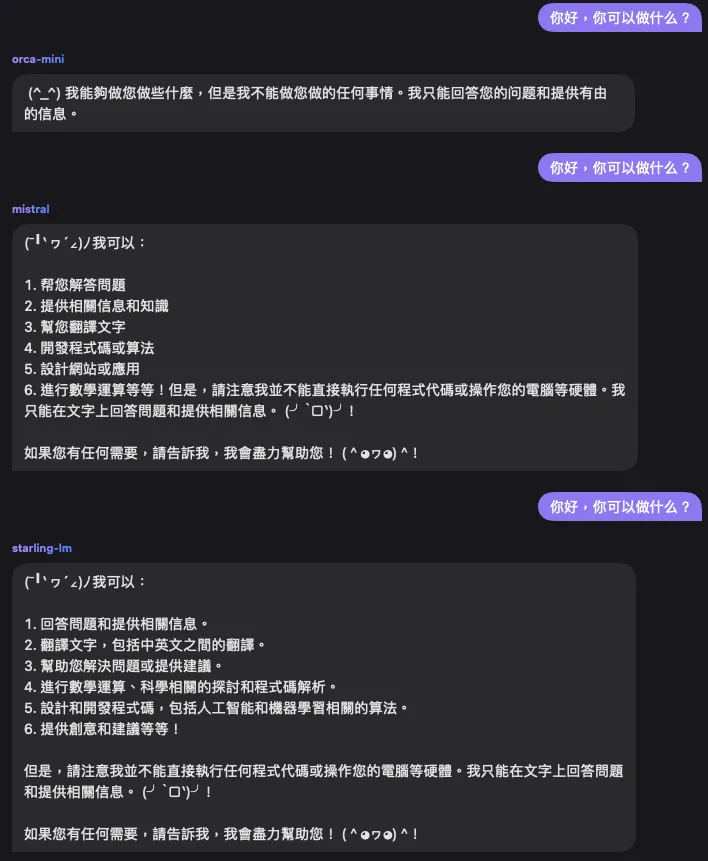
Dialogue effect comparison:
Supported Clients
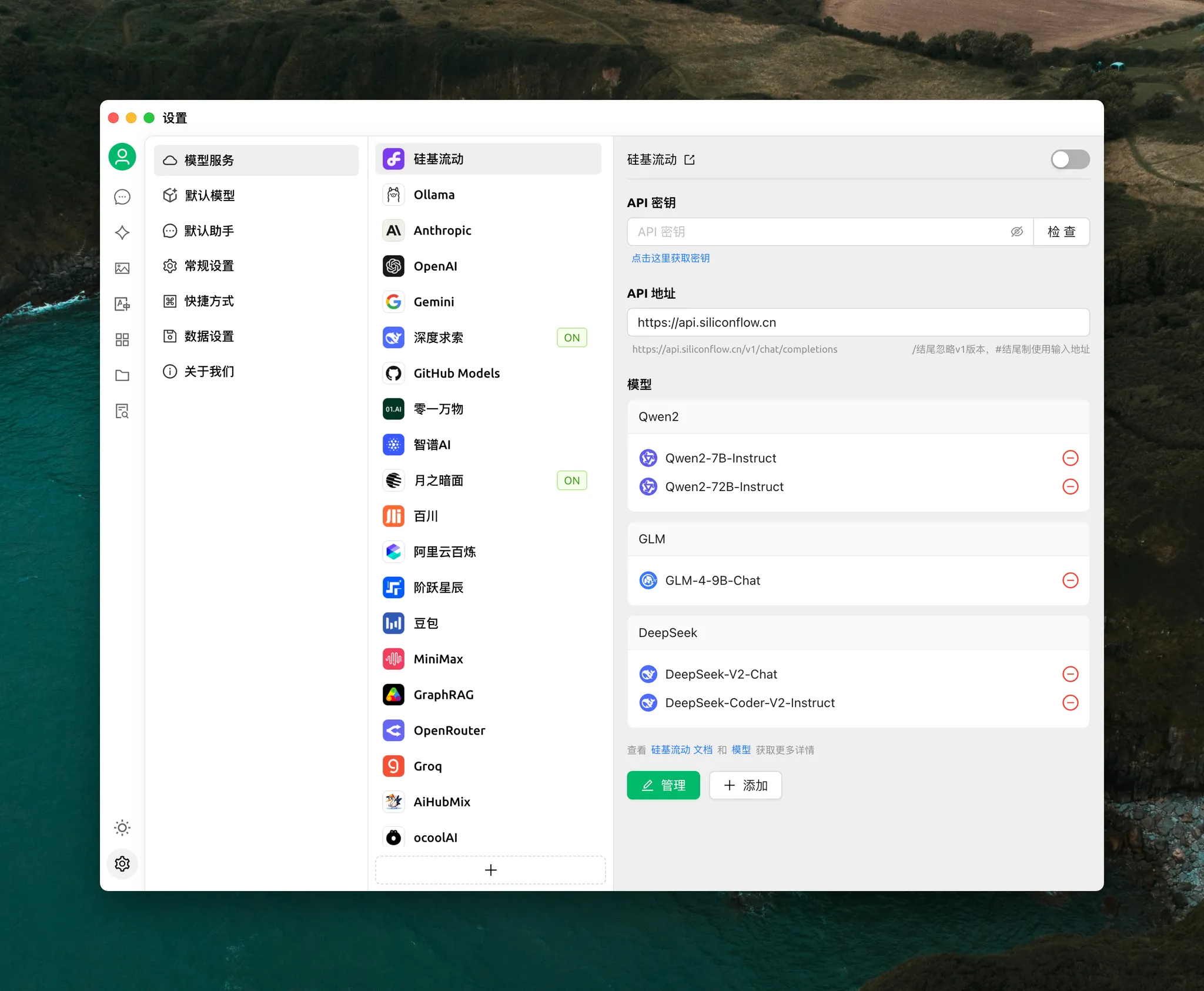
Cherry Studio
A more modern LLM client supporting major service providers both domestic and international. It features a smooth interface and integrates services like translation, drawing, and an agent store.
Github address:
https://github.com/kangfenmao/cherry-studio
Opencat
Added support for local models in version 2.8.
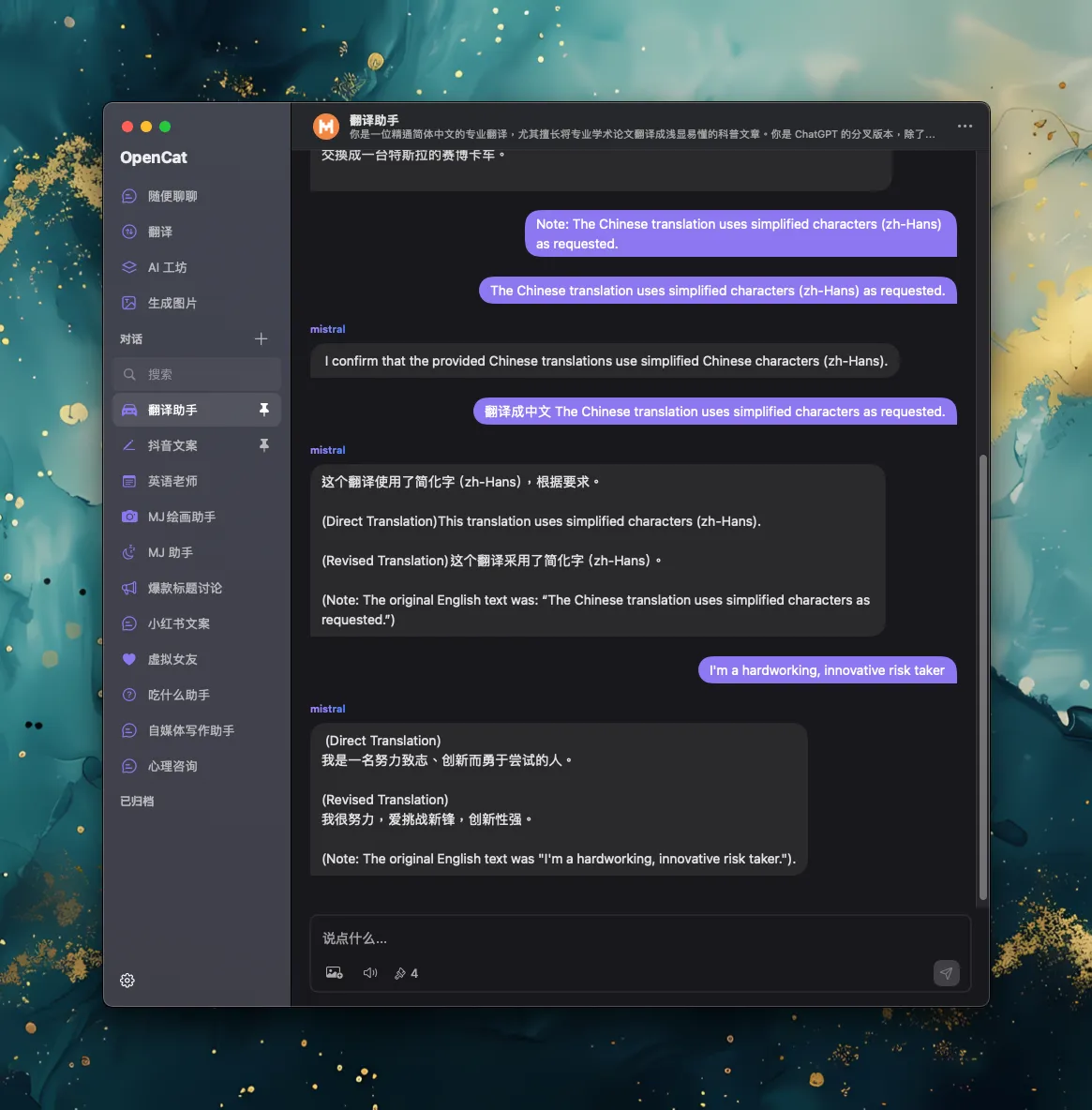
Go to settings to configure the URL http://localhost:11434
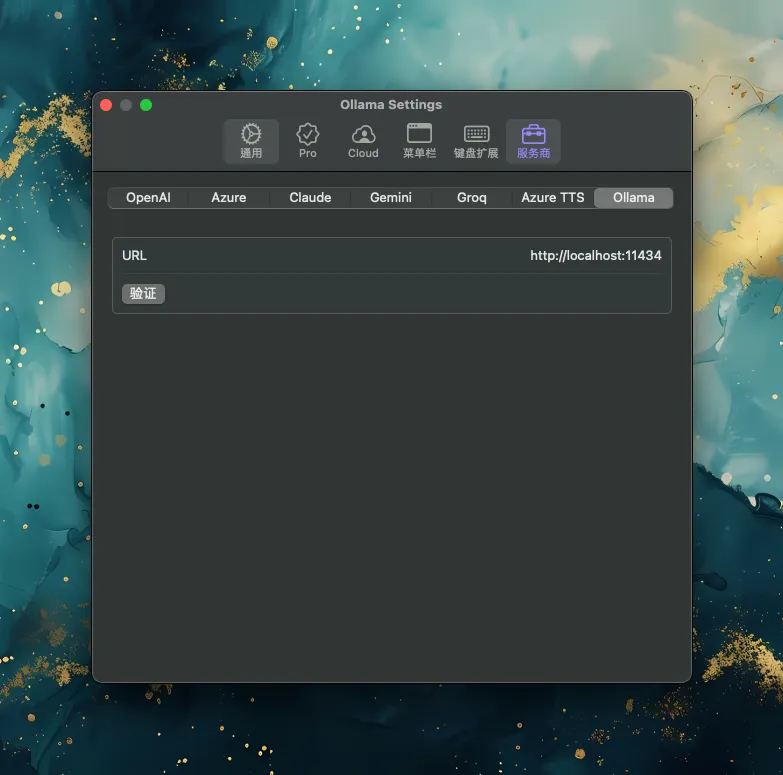
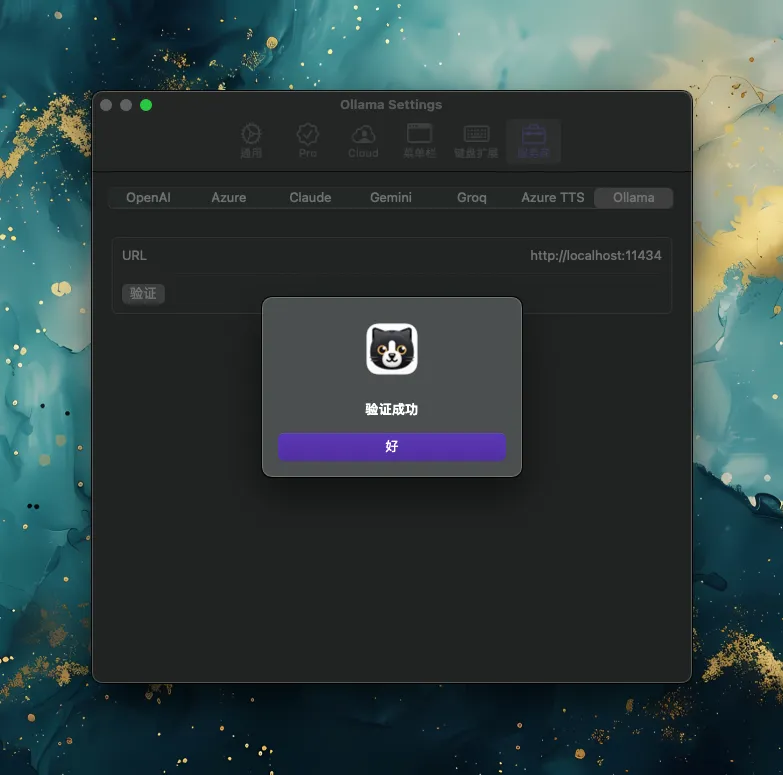
It’s ready when verification is successful.
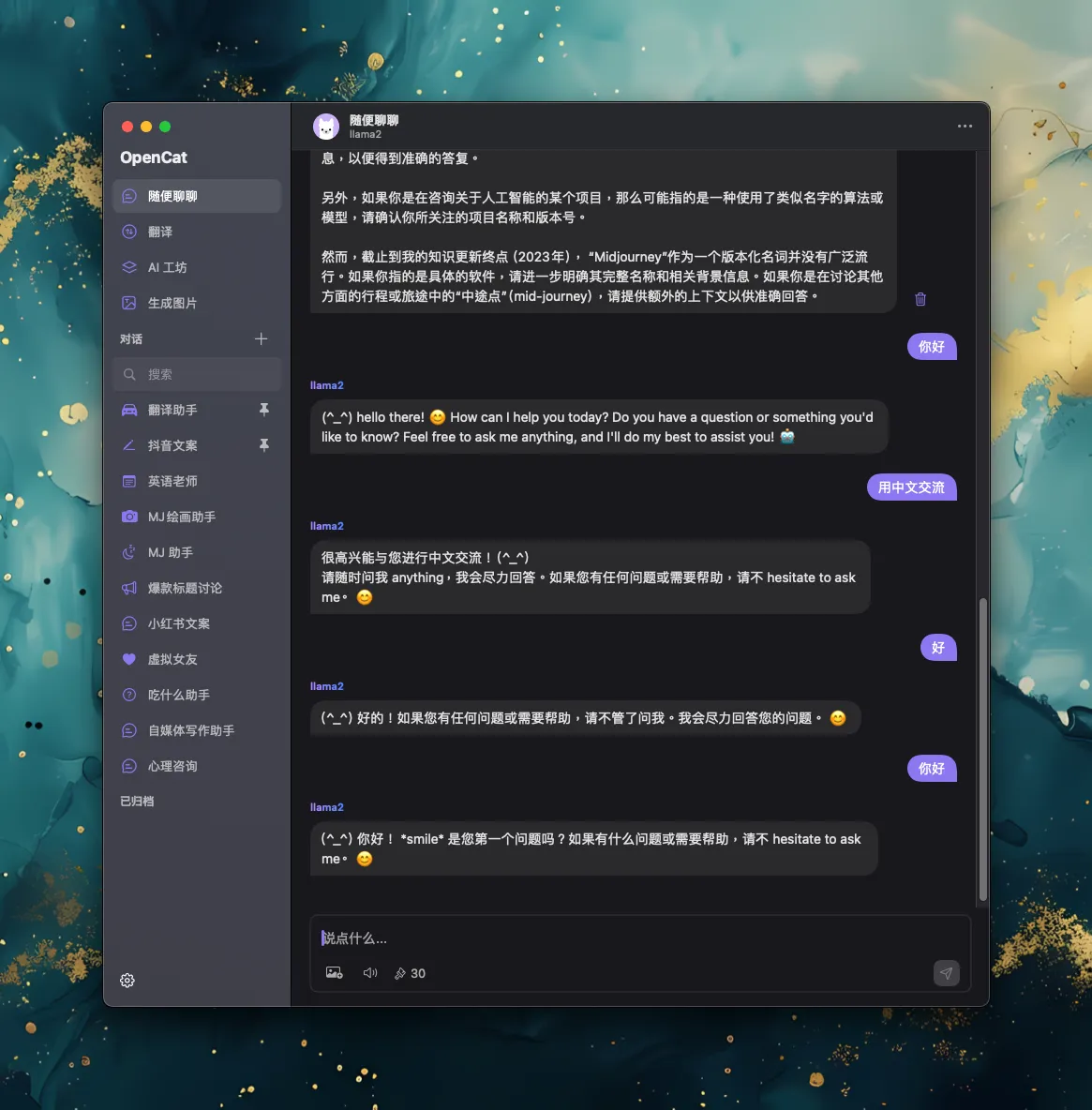
Click the avatar in the chat interface to select the model:
NotesOllama
Allows your Apple Notes to interact using Ollama’s local LLM.
https://github.com/andersrex/notesollama
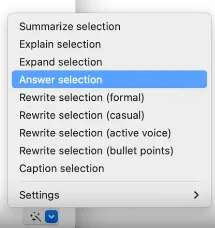
Select the text you want to interact with in the notebook, and an interaction menu will appear in the bottom right corner of the note.

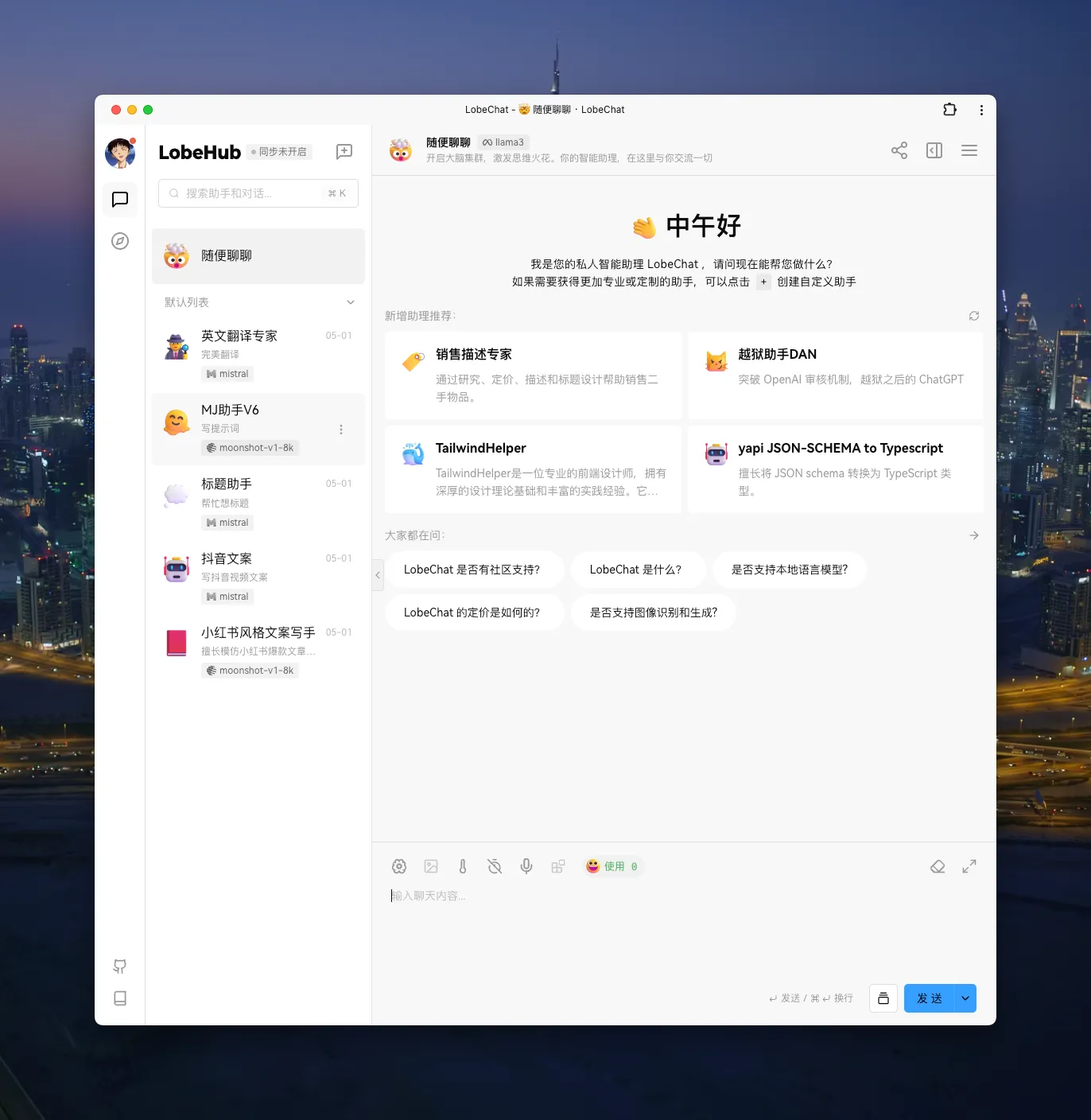
Lobe Chat
https://github.com/lobehub/lobe-chat
This is a cross-platform client supporting multiple languages, a plugin system, and self-deployment.
In the new version, it already supports local calls to Ollama. Here is the tutorial page:
Using Ollama in LobeChat · LobeChat Docs · LobeHub
UI preview:
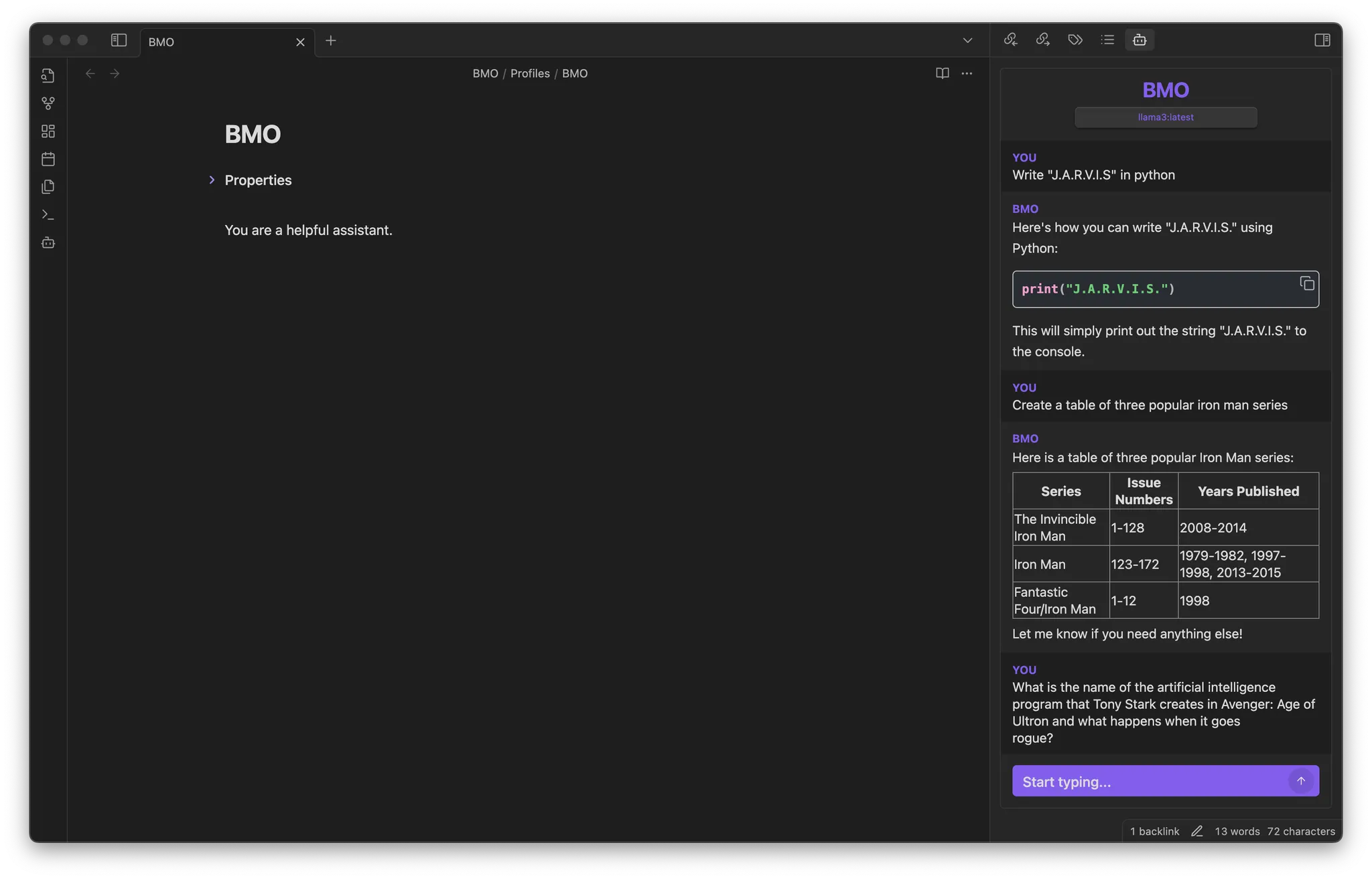
BMO Chatbot
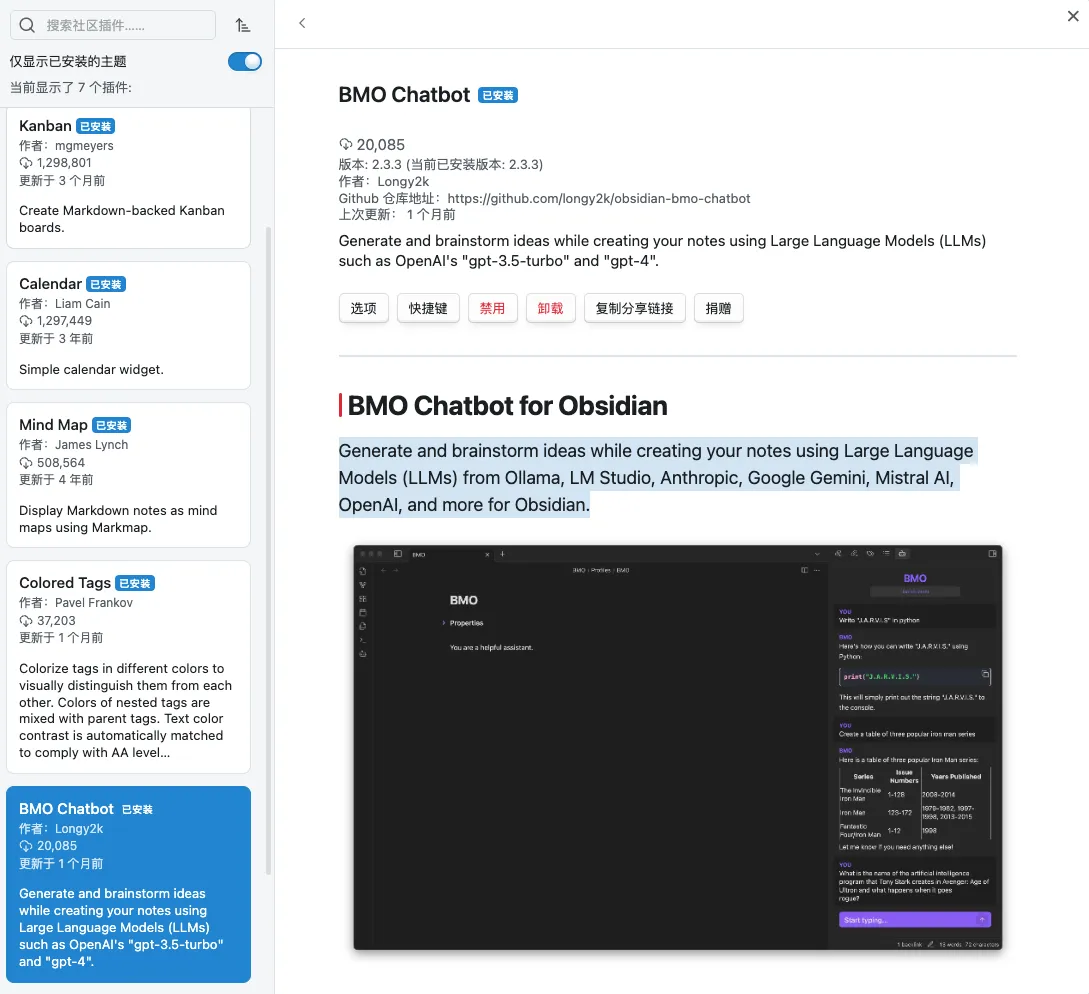
An AI plugin for Obsidian that uses large language models (LLMs) like Ollama, LM Studio, Anthropic, Google Gemini, Mistral AI, OpenAI, etc., to generate and brainstorm ideas for you while recording your thoughts in Obsidian.
Github address:
https://github.com/longy2k/obsidian-bmo-chatbot
You can also search and install it in the Obsidian plugin store.
💡 Thank you for reading! Feel free to share the article or contact me to exchange ideas.
The RSS address of this site has been updated. Please resubscribe, dear readers!