Preface
Recently, inspired by Brackeys’ tutorial and while conducting technical research, I followed the tutorial to create a game prototype.
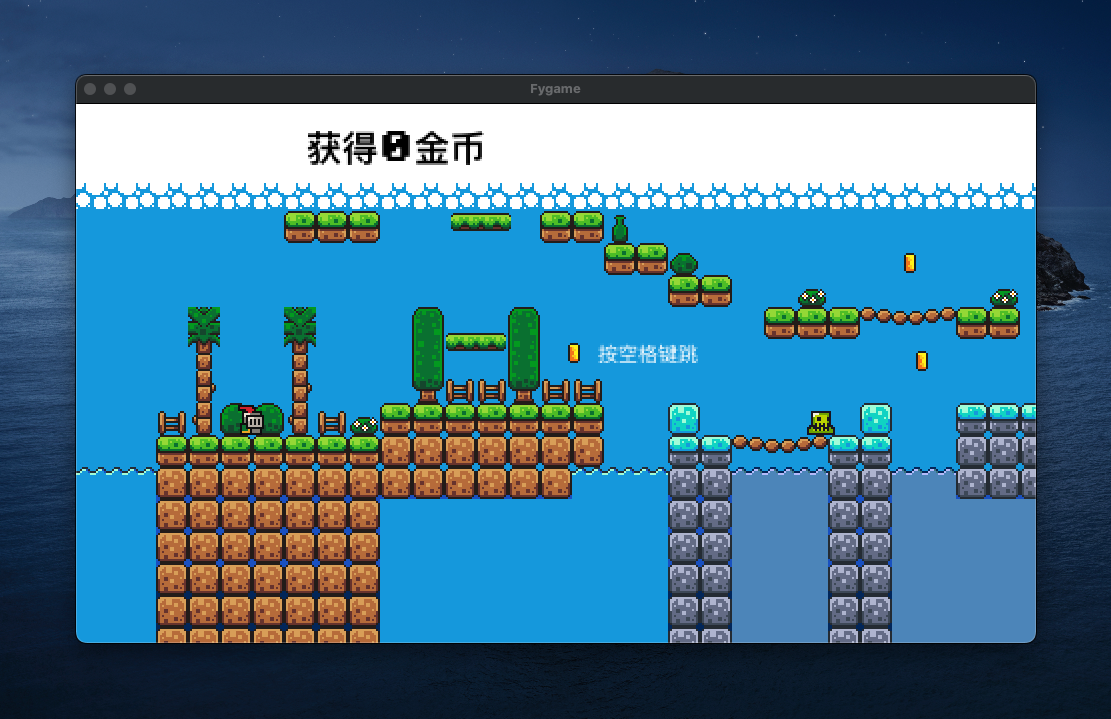
Github Address: (Upload issue, link to be added later)
Development Process
Nodes
Each node is essentially a module within the game, or can be understood as a small feature. For example, collecting coins—the entire logic can be implemented using a single node. Under the coin node, you can bundle animations, code, and other content.

Player
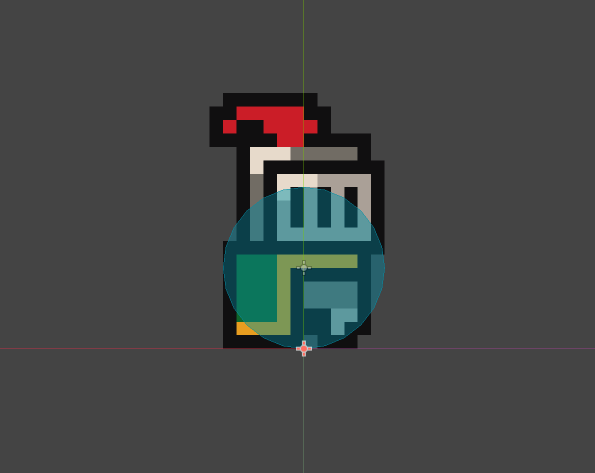
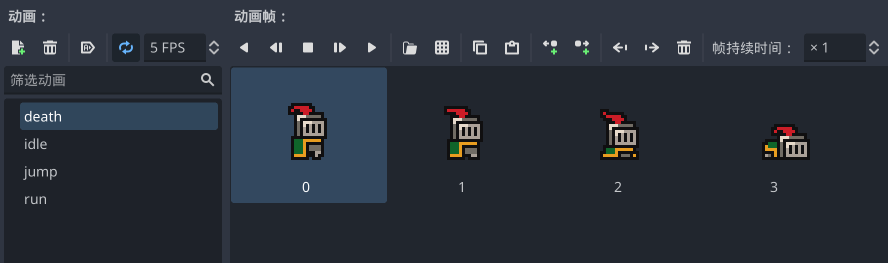
Implemented the player-controlled character, including its actions (walking, jumping), animations, and other logic. Most of it was done using the editor, with some behavioral logic code modified from the built-in GDScript scripts.
World Building
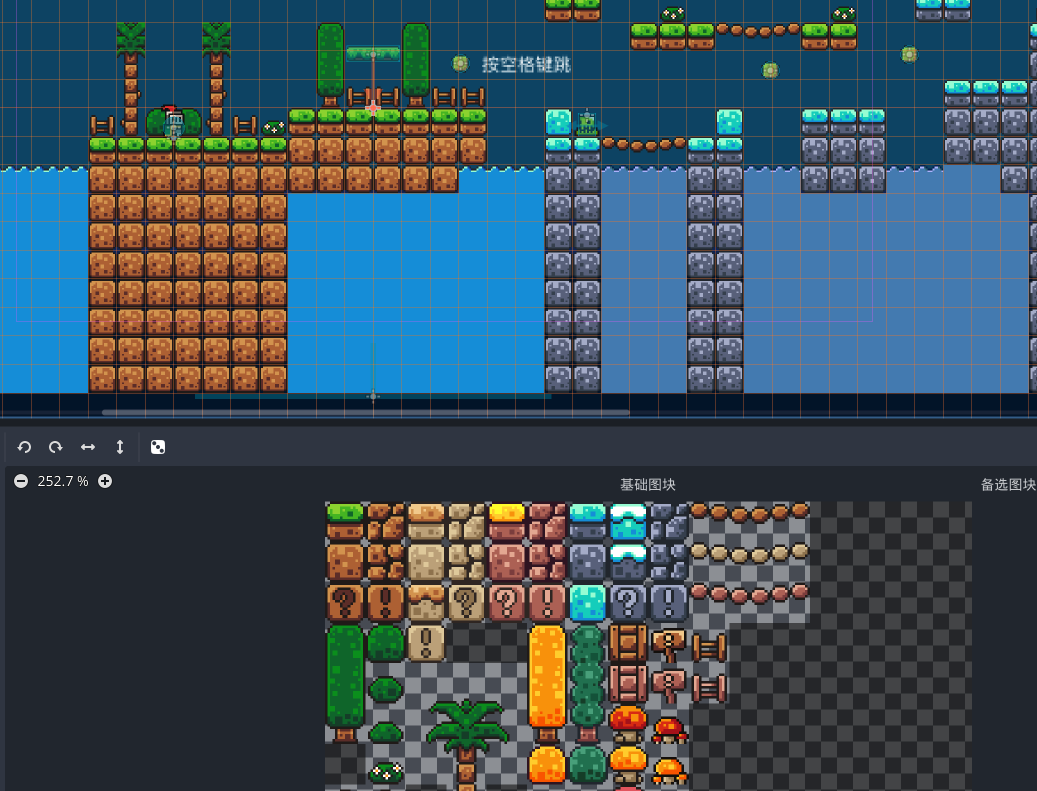
Used the tilemap editor and imported art assets. The core operation is based on tilemap grids, and the overall editing experience is easy to pick up. A small innovation is the ability to assign collision logic directly on the tiles, saving the hassle of editing a separate collision layer.
Enemy
Implemented a small enemy’s movement, collision, and animation.
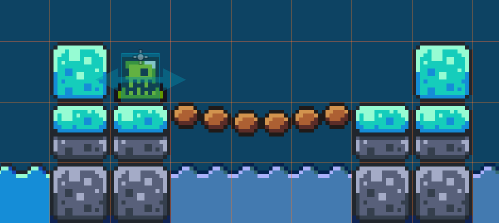
Behavioral Logic
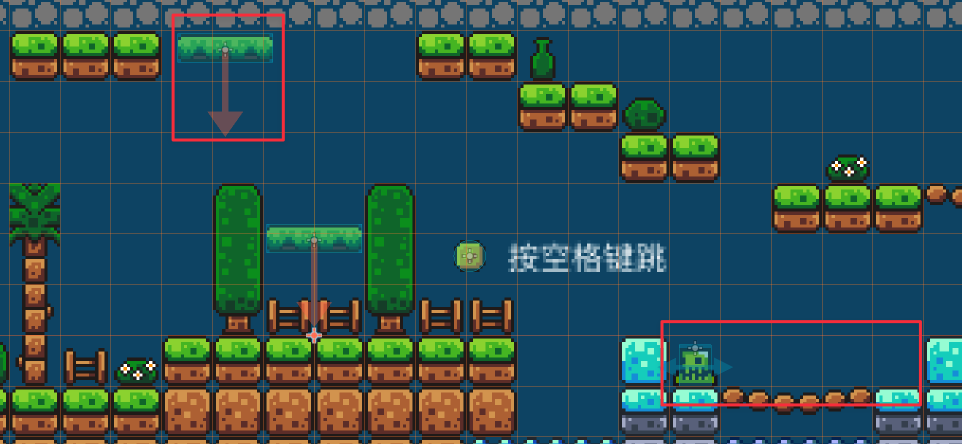
Created a logic node for back-and-forth movement, applied to both enemies and moving platforms in the scene.
Coin Collection
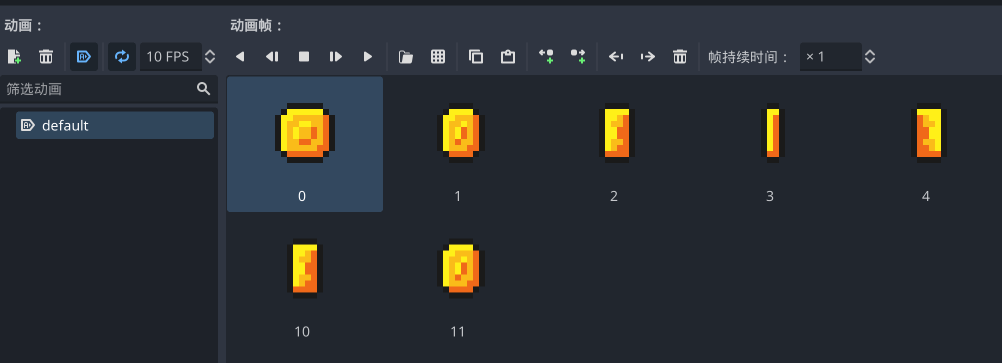
Created the coin’s idle animation.
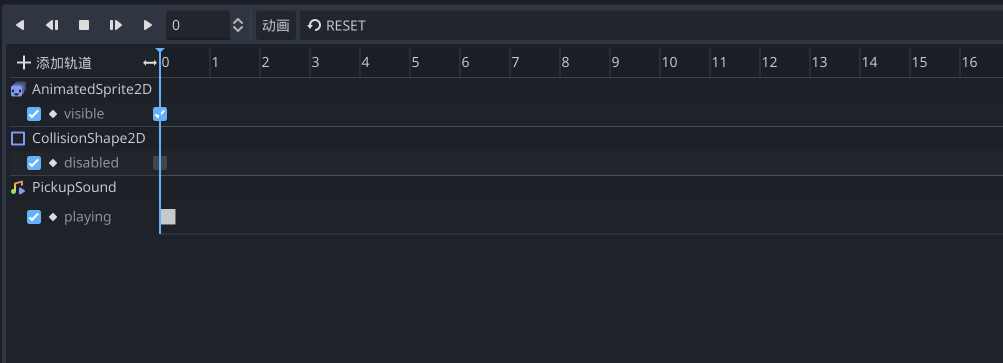
Cleverly used the animation tool to implement the logic for the disappearance animation and sound effects, which can be easily referenced and used in the code.
Character Death
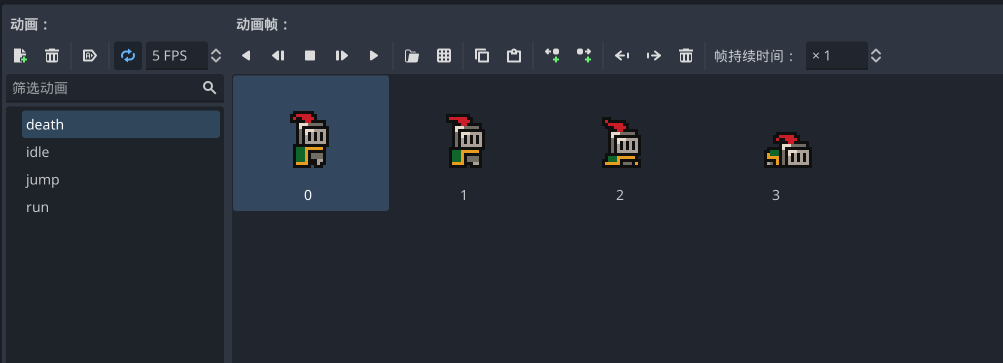
Implemented death logic for the character falling out of bounds or colliding with enemies, essentially using collision boxes. The first part of the tutorial didn’t cover death animations, but since art assets are available, you can implement them on your own.
Features like building/exporting and music are left for you to explore in the tutorial and won’t be detailed further here.
User Experience
The 4.0 ecosystem is mature enough, and the usability of the toolchain is quite good. I spent about 5 hours one afternoon to complete all the features, which is highly efficient and definitely meets a usable standard.
Of course, this experience article is just a simple demo. You should carefully consider whether to apply it to a formal project. I suggest trying a small demo first, like participating in a Game Jam—create the game you want to make, and you’ll likely have your answer.
The RSS address for this site has been updated. Please resubscribe, dear readers!
💡 Thank you for reading! Feel free to share this article or write to me to exchange ideas.