Introduction
Since 2024, I’ve been compiling a list of the software I use daily. Having fully transitioned to the Apple ecosystem, most of the tools recommended here are suitable for web and Mac platforms. If you need software for Windows or Android, a quick search should point you in the right direction.
In recent years, AI technology has exploded, significantly influencing my software choices. There’s a growing demand for data privacy and features that facilitate easy AI integration.
AI Software
DeepSeek
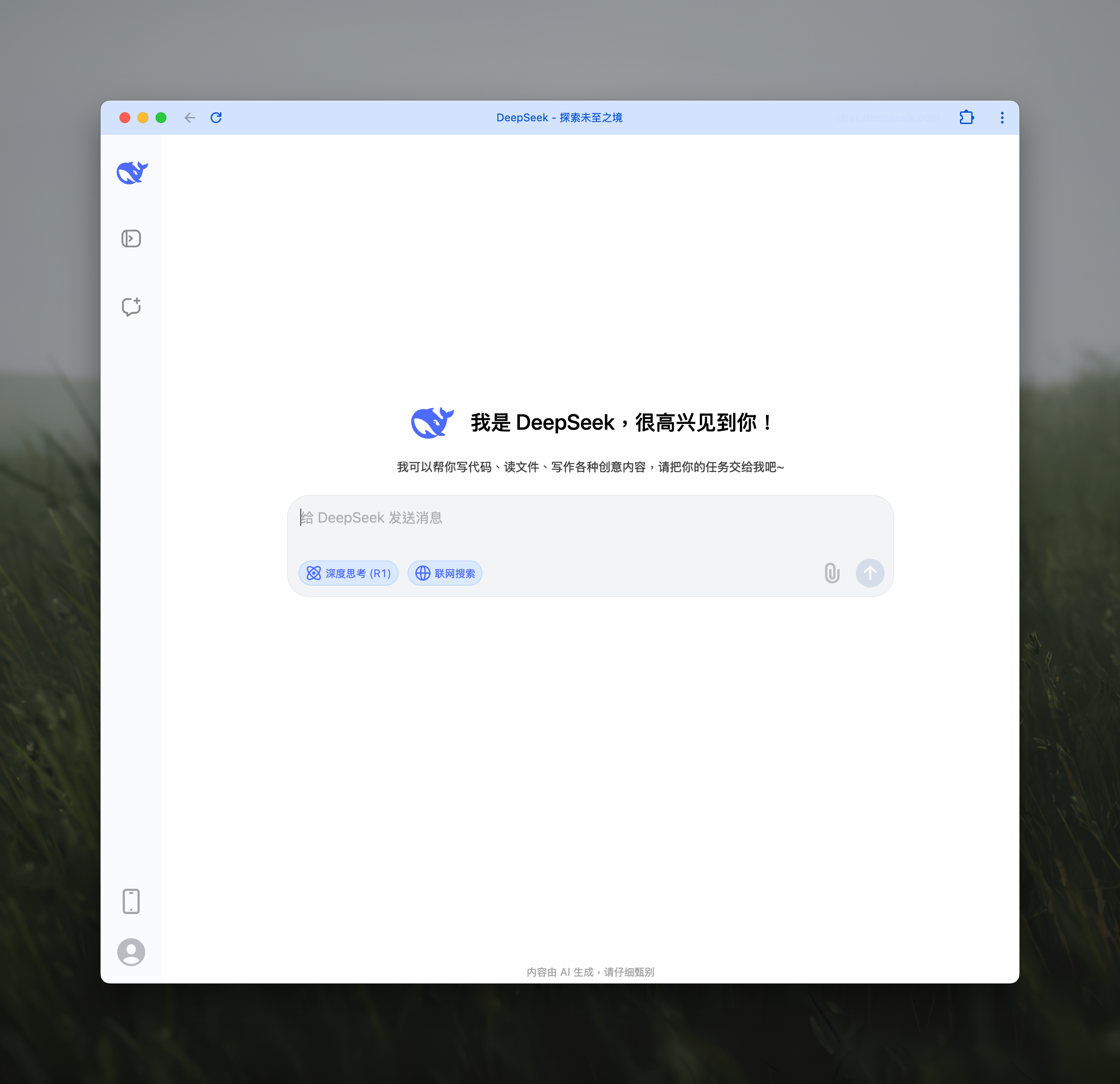
An open-source large language model developed by DeepSeek AI in Hangzhou. It excels at complex reasoning and handling high-difficulty language tasks, performing well in academic and business analysis. You can try it on their official website.
Doubao
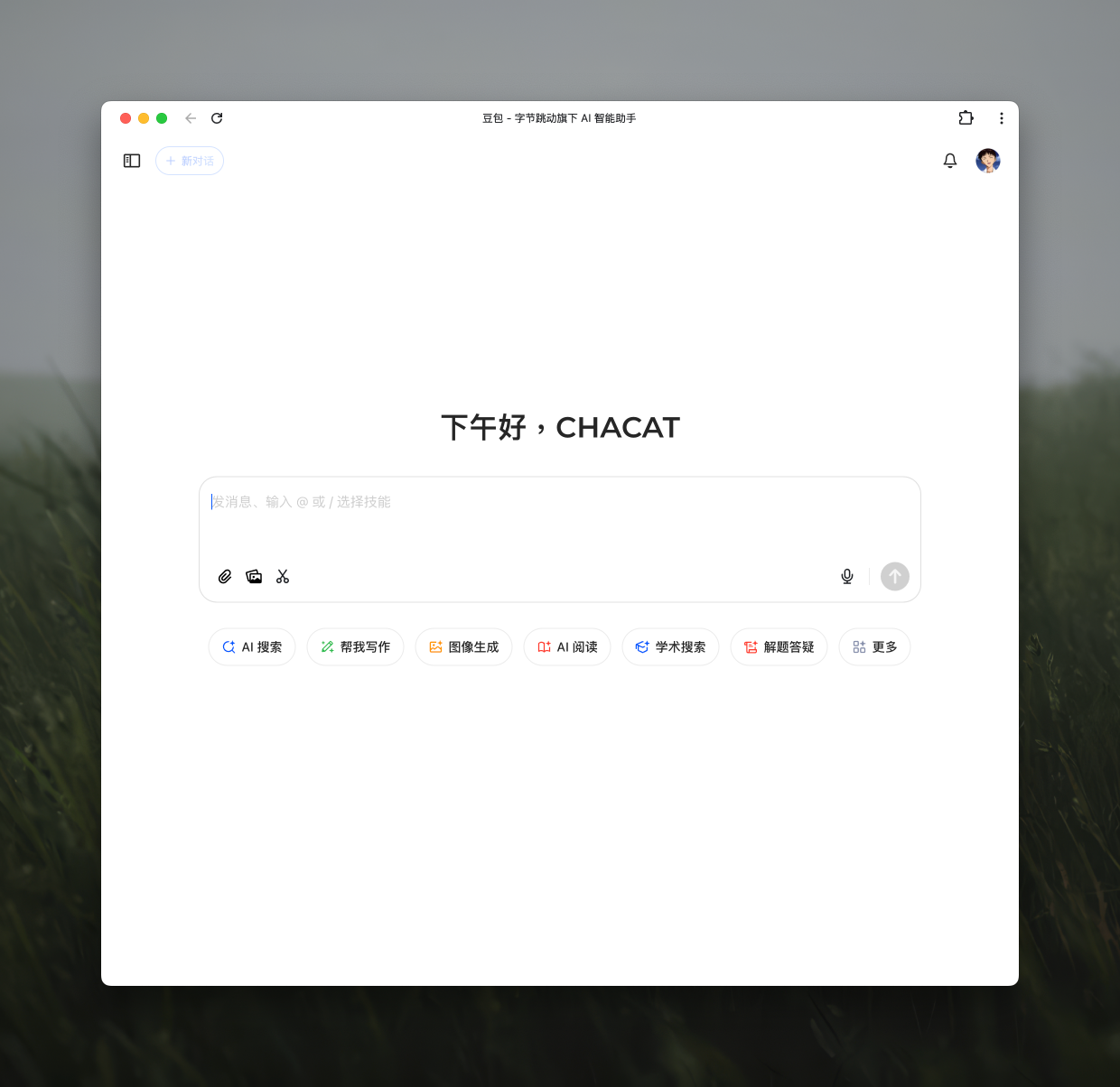
A versatile AI assistant from ByteDance. It can chat, assist with writing, support learning, and generate images. All features are free and available on their official website.
Kimi
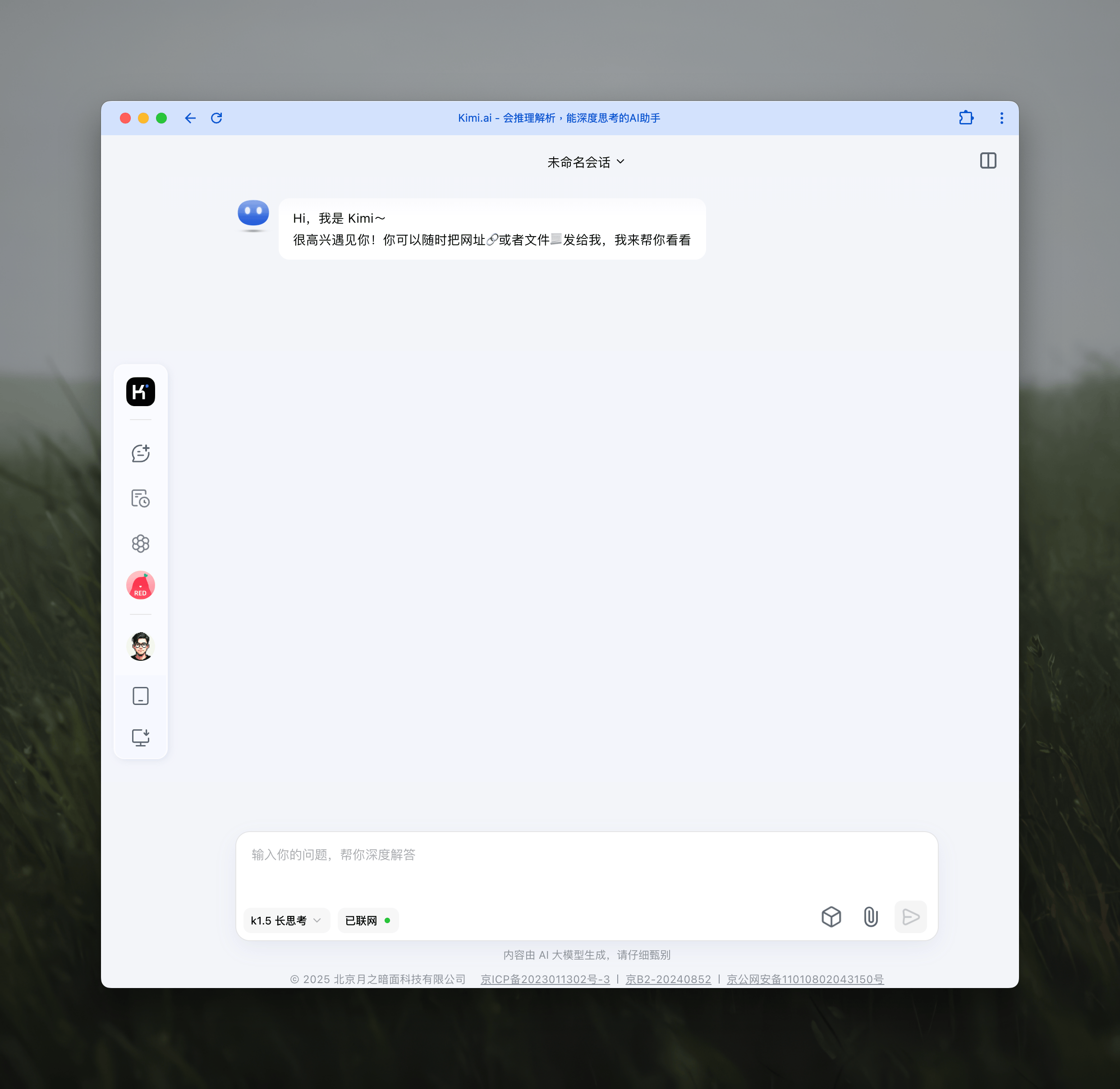
Developed by Moonshot AI, it excels in Chinese and English conversations. It can process long texts, files, and images, and has powerful search capabilities. Currently free to use, you can start intelligent interactions on their official website.
Cherry Studio
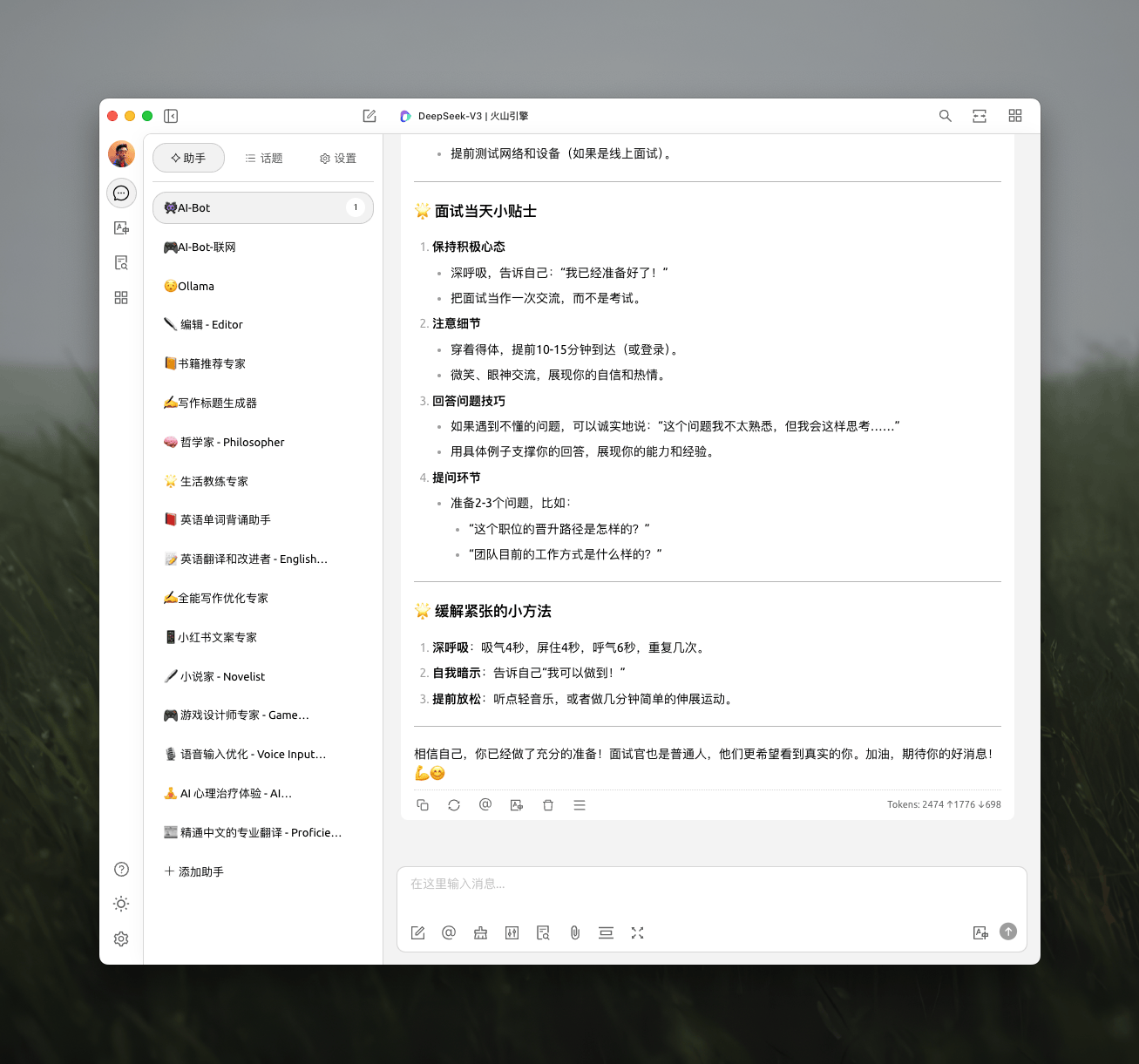
A comprehensive AI tool that supports building local knowledge bases, integrates with various model services, offers efficient and accurate translation, and even supports mini-programs. The software is open-source and updated frequently. Get the latest version from their official website.
Note-Taking
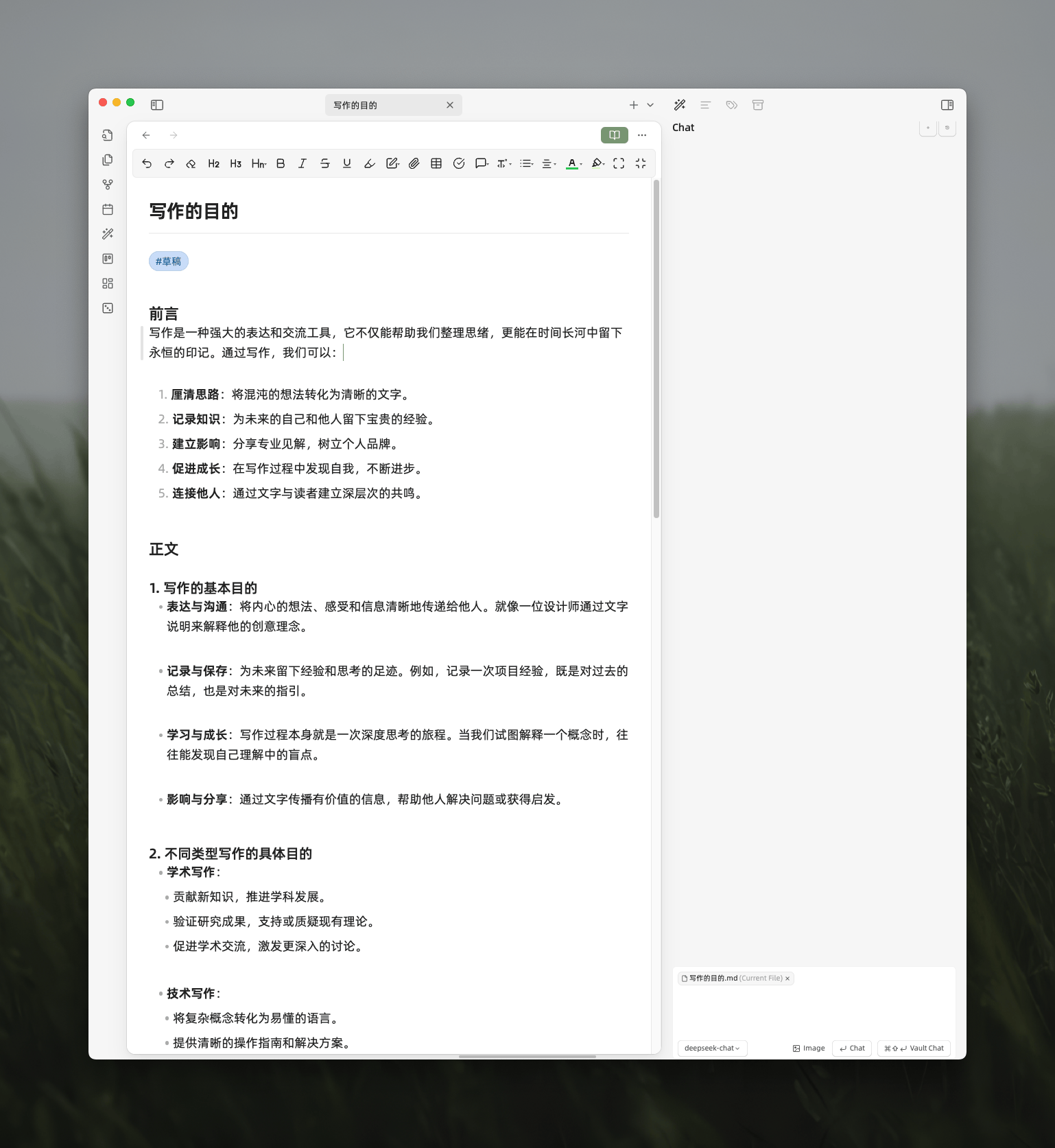
Obsidian
Uses local data storage and offers excellent Markdown support. With a vast array of plugins and themes, it meets the needs for building personal knowledge systems and managing project documentation. Download it from the official website.
Feishu Cloud Docs
Excellent cloud services with powerful multi-dimensional tables. Efficiency has improved since integrating DeepSeek. Teams can collaborate in real-time, and there are abundant office templates available. Access it via Feishu Multi-dimensional Tables.

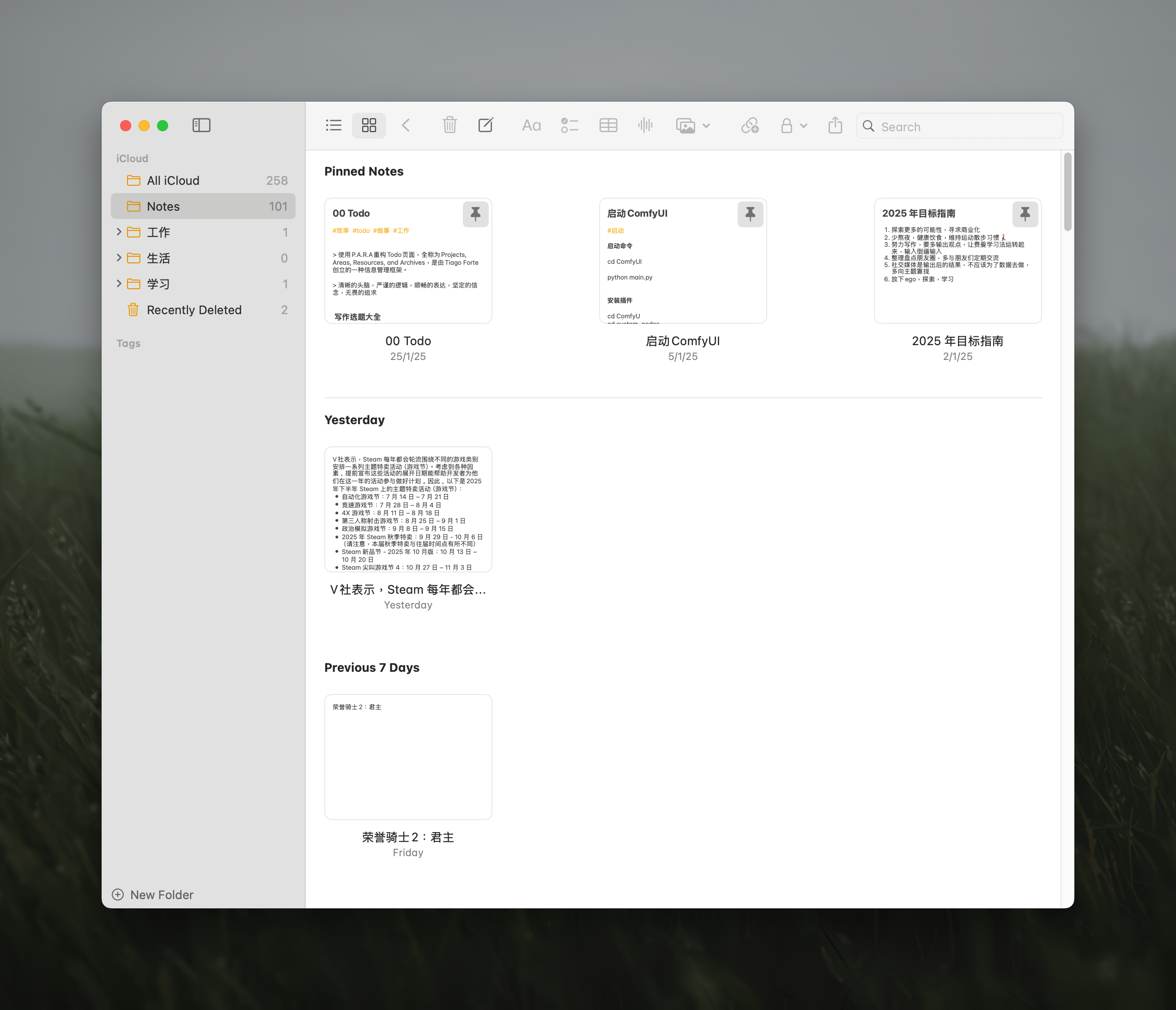
Apple Notes
Simple and convenient for quickly jotting down fragmented information. Supports syncing across multiple devices to prevent important details from being forgotten.
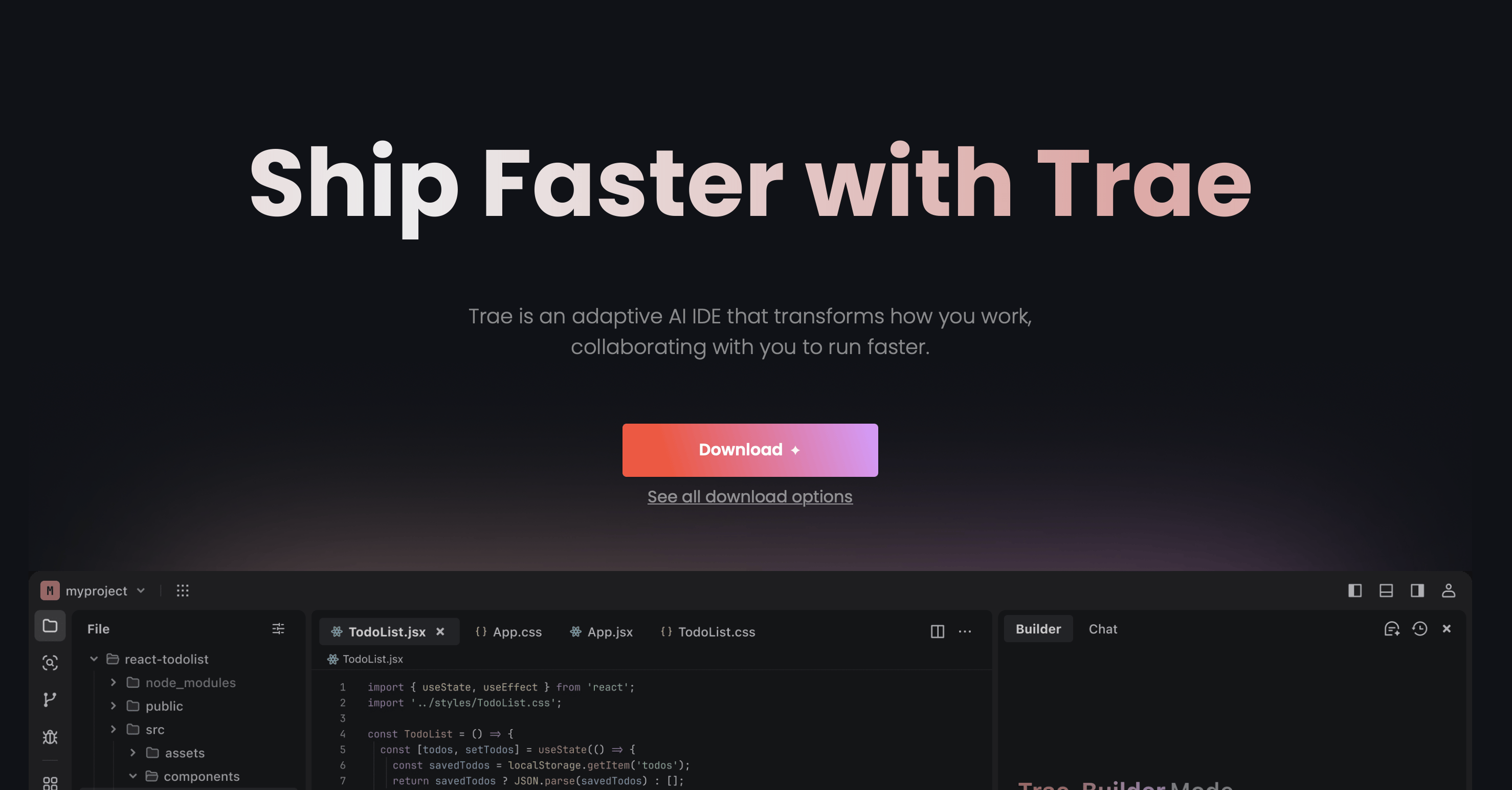
Trae
An intelligent, adaptive AI-integrated development environment. It provides code suggestions, error detection, and other features based on developer habits and project needs. While not yet perfect, it shows great potential. Try it on their official website.
VS Code
A free, cross-platform source code editor developed by Microsoft. Highly extensible, it supports syntax highlighting for multiple languages, features code auto-completion and refactoring, and includes a built-in command line and Git version control system. Download it from the official website.

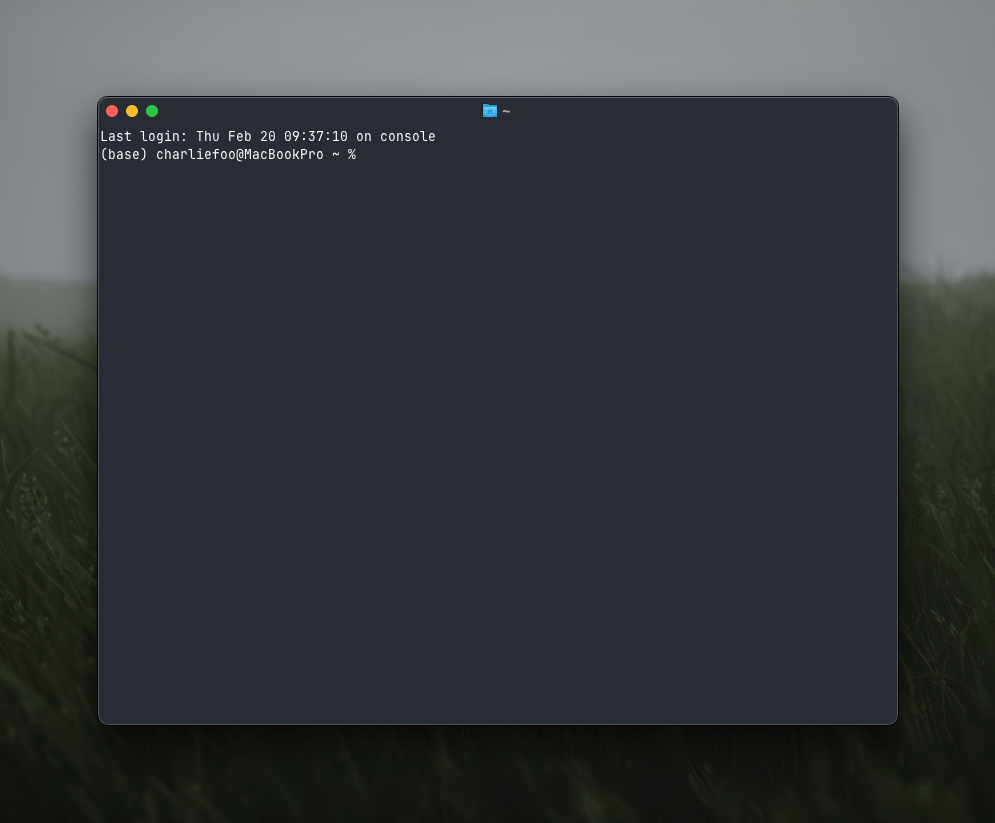
Ghostty
A terminal emulator known for its speed, rich features, and native interface. It meets the command-line operation needs of developers. Get it from the GitHub page.
Game Development
Unreal Engine UE5
A powerful next-generation engine supporting cinematic-quality 3D game development. With a mature ecosystem and abundant plugins and art assets, it can fulfill various creative game development needs. Learn how to use it on the official website.

Godot
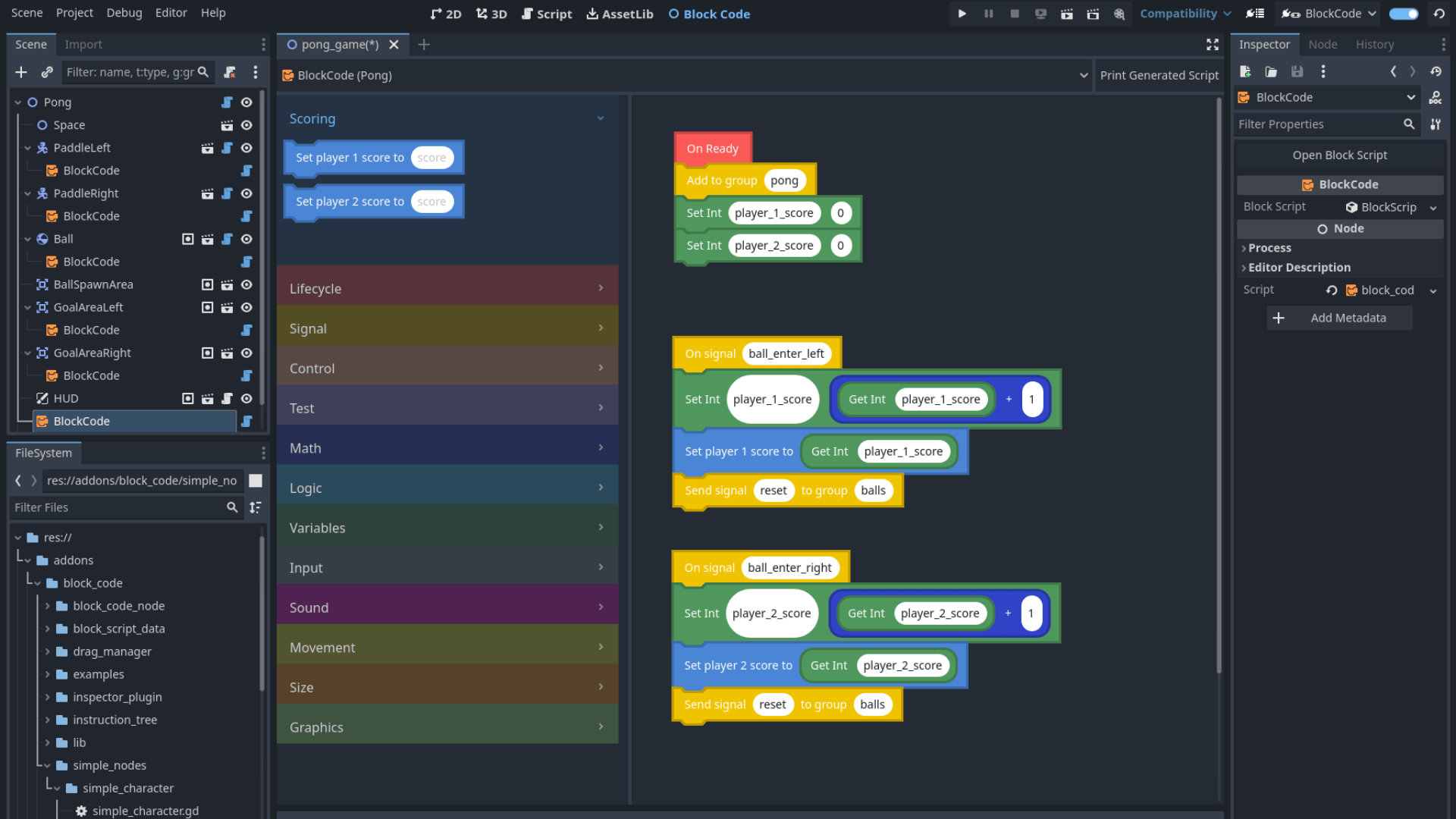
A versatile, cross-platform, open-source game engine for 2D and 3D projects. Ideal for lightweight 2D projects, it offers multi-platform adaptation. The active open-source community ensures fast feature iteration, making it an excellent choice for efficient, low-cost development. Get resources from the official website.
Reading
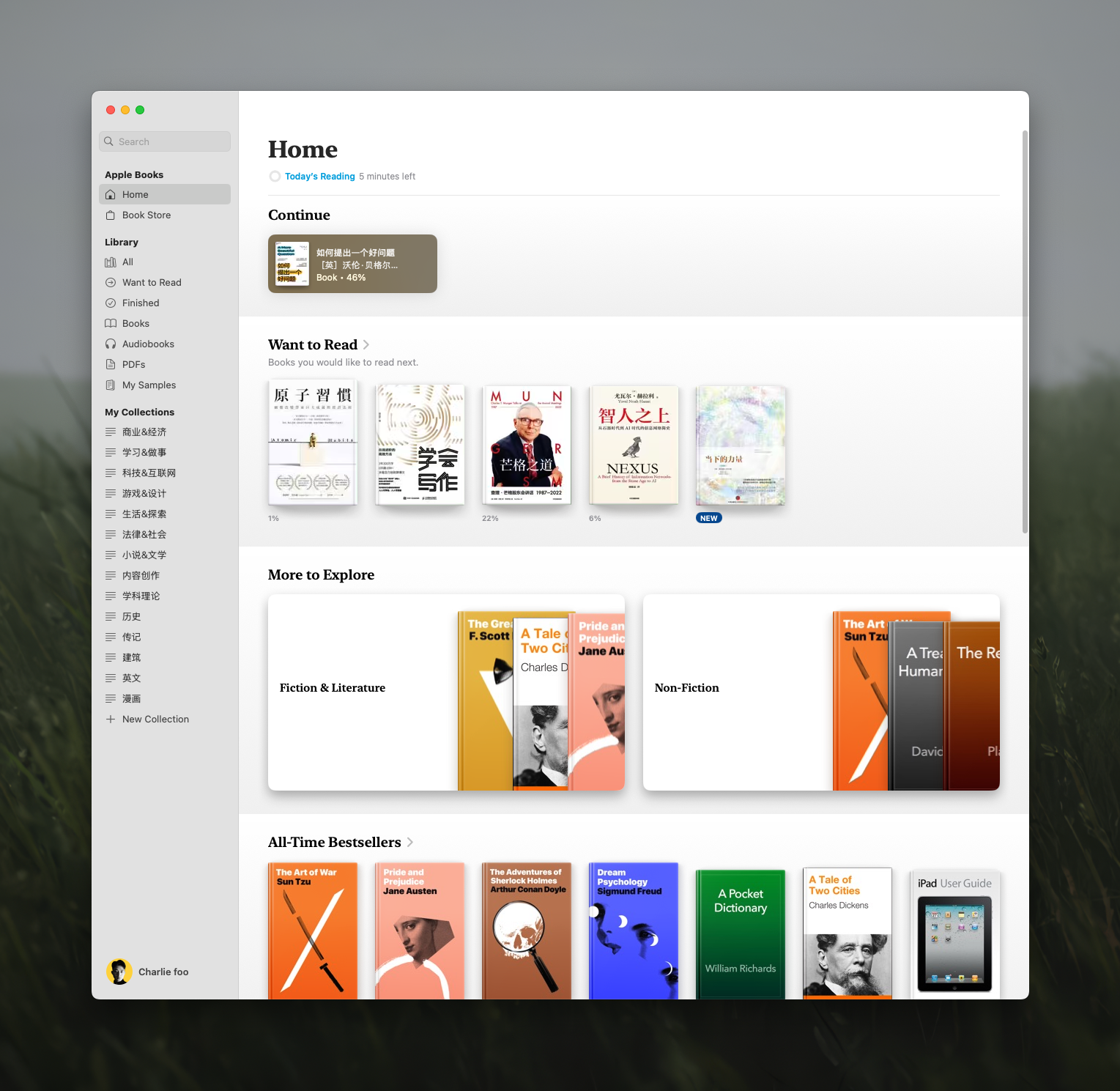
Apple Books
Pre-installed on Apple devices, offering good compatibility and convenience. Supports syncing across multiple platforms and importing EPUB and PDF files. The clean interface provides a comfortable reading experience.
WeRead
Rich in book resources, supporting both reading and audiobooks. Features like AI-guided reading and AI book Q&A enhance reading efficiency. Available on the official website or mobile apps.

Schedule Management
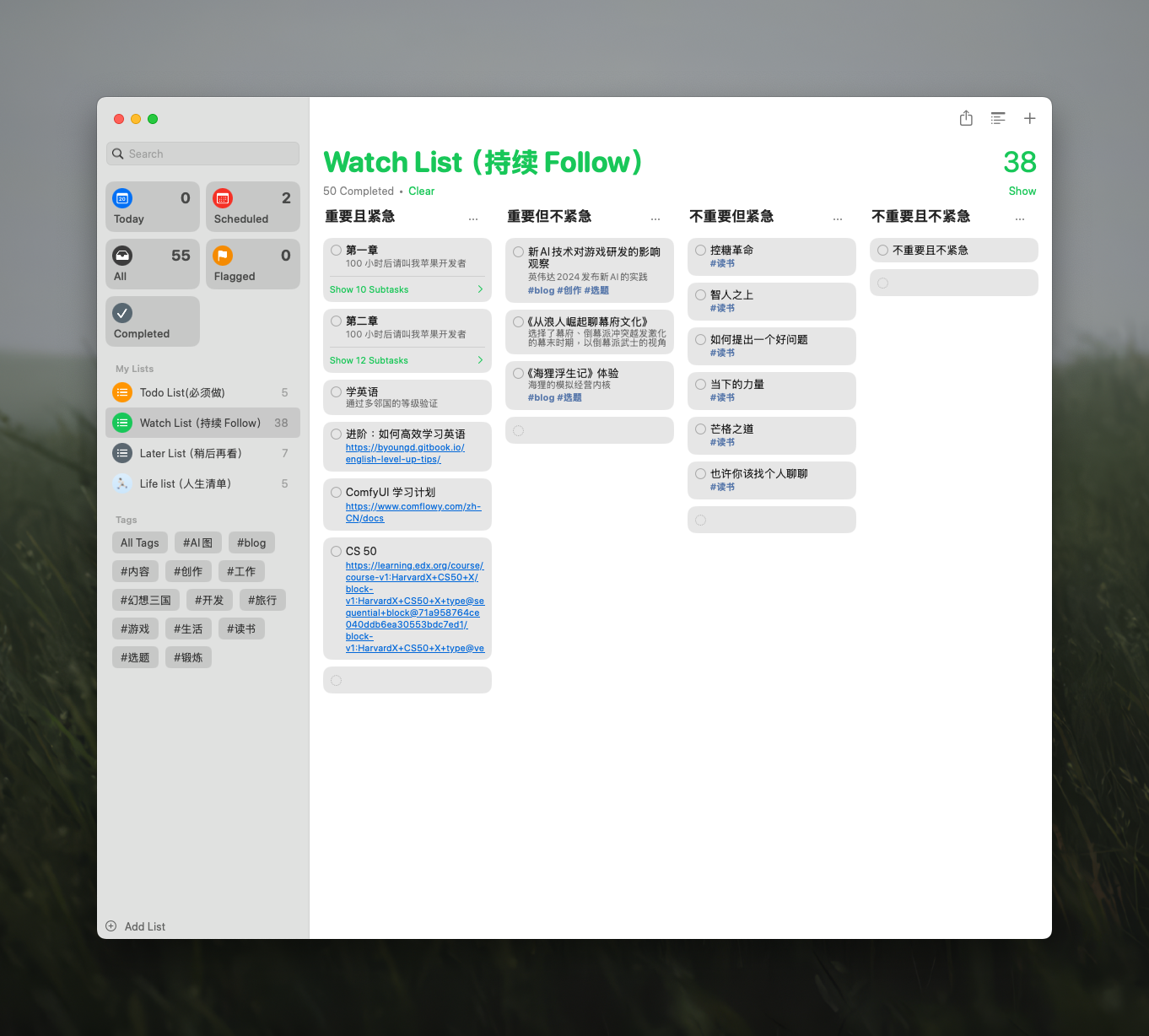
Apple Reminders
Built into the Apple system, it integrates tightly with the ecosystem. Supports syncing across multiple platforms, and reminders can be quickly created and managed via Siri.
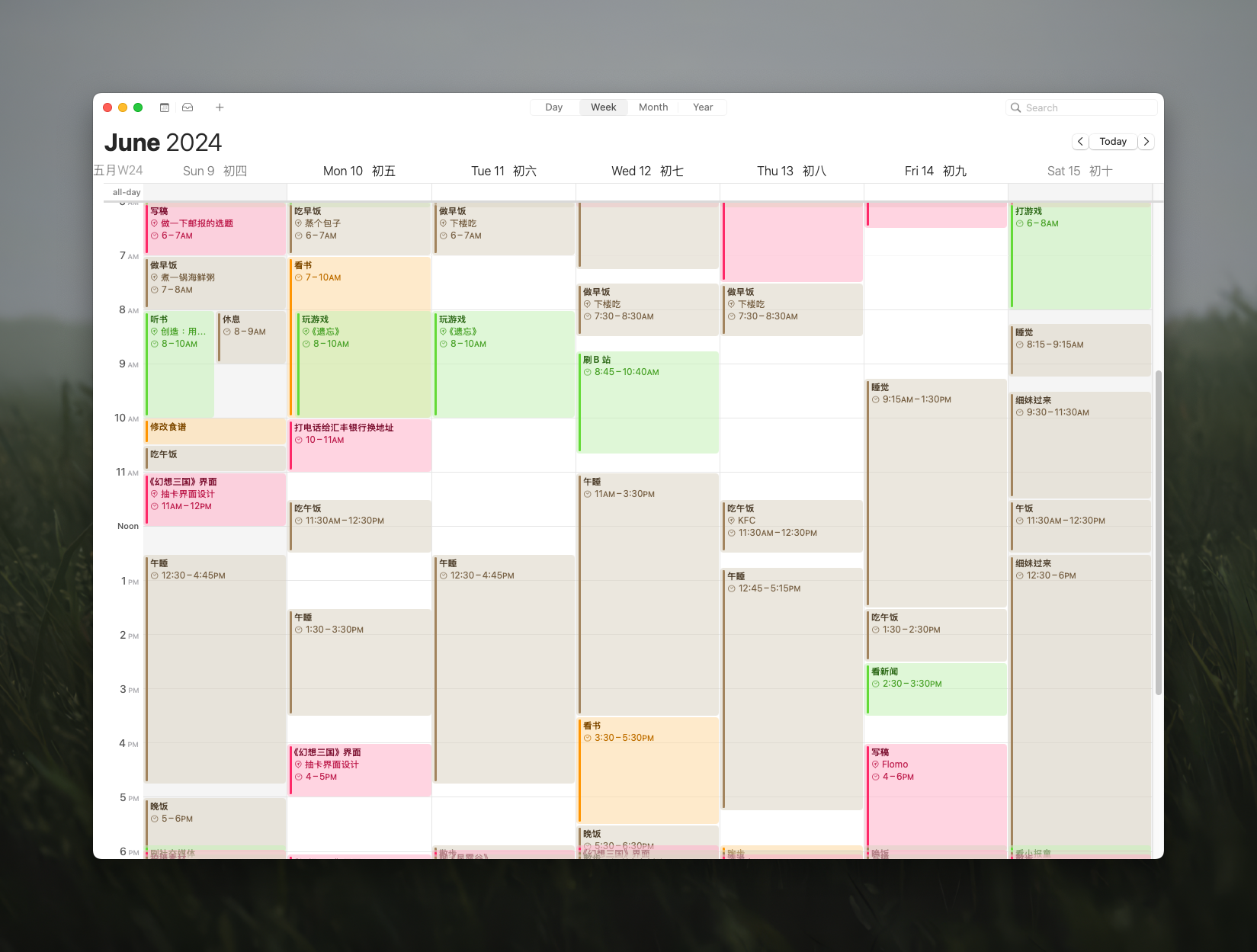
Apple Calendar
Provides an intuitive and clean calendar interface. Supports multi-platform syncing and integration with other calendar services, making personal schedule management convenient.
The RSS feed address for this site has been updated. Please resubscribe, dear readers!
💡 Thank you for reading! Feel free to share this article or reach out to me via email for discussion.