Preface
After rebuilding the blog, I’ve been continuously tweaking the website’s details. Initially, I chose NotionNext based on my heavy use of Notion, but it felt overly bloated. Therefore, at the end of last year, I decided to switch to Astro to optimize the site’s loading speed and user experience.
When switching to Astro, I selected the astro-gyoza theme. Its excellent performance gave me a profound experience of the extreme speed advantages of static websites. With the May Day holiday, I decided to give the blog another makeover.
This time, I found a nice-looking template called fuwari and embarked on my blog renovation journey.
Redeployment
I chose to deploy my site using Vercel. The entire deployment process is quite straightforward: first, Fork the fuwari project, then link your GitHub account in Vercel to initiate the deployment.

Next, access the Vercel dashboard, find the corresponding project, and click the “Deploy” button to start the deployment process.
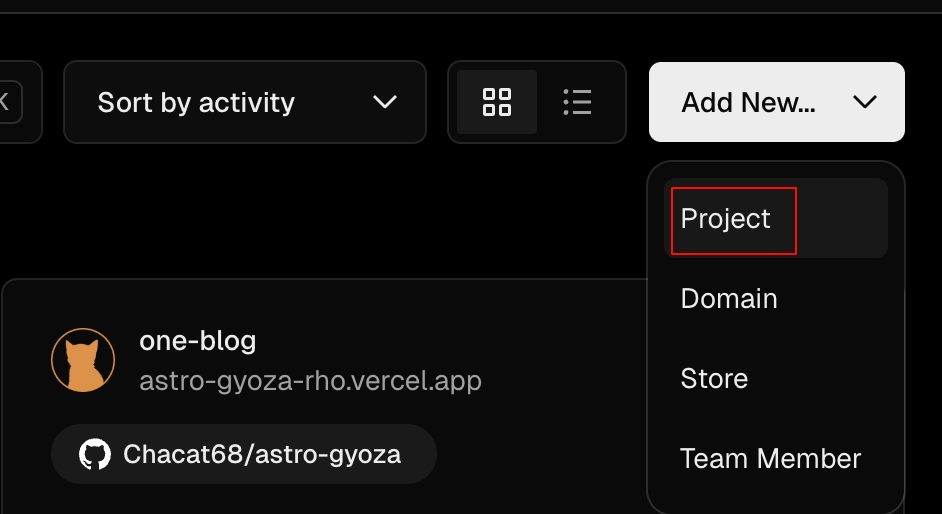
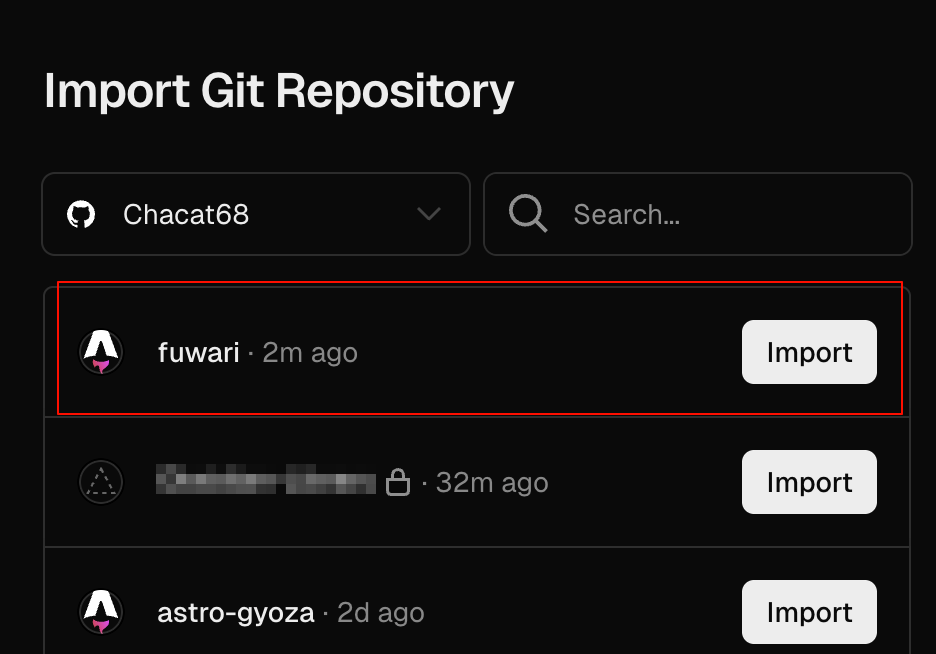
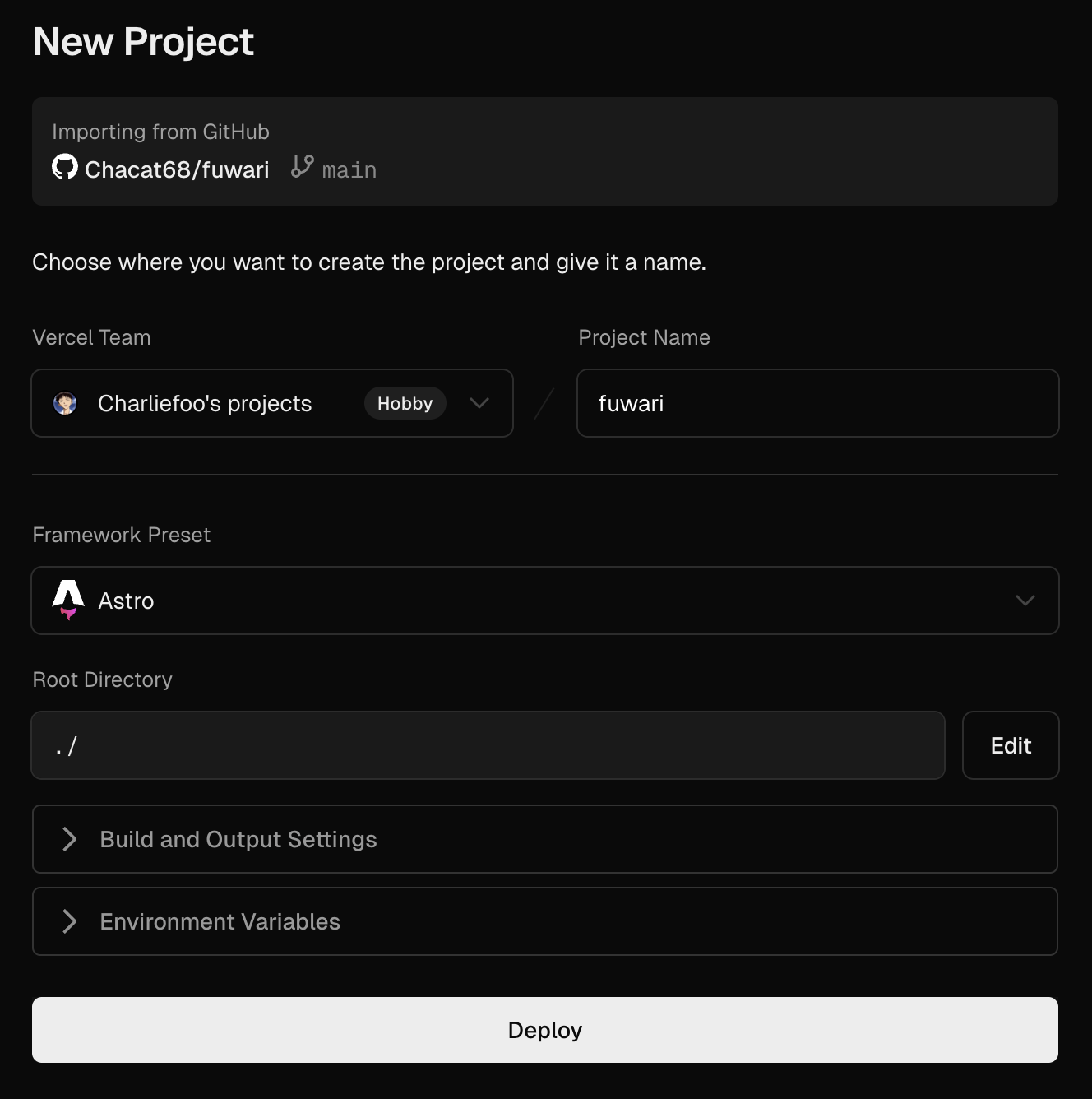
Once deployment is successful, you can view the website’s access address in the Vercel dashboard.
Feature Migration
While using the astro-gyoza theme, I particularly liked some of its features. However, after switching to the fuwari theme, I found these features were not built-in. Therefore, I decided to migrate them myself.
Projects Page
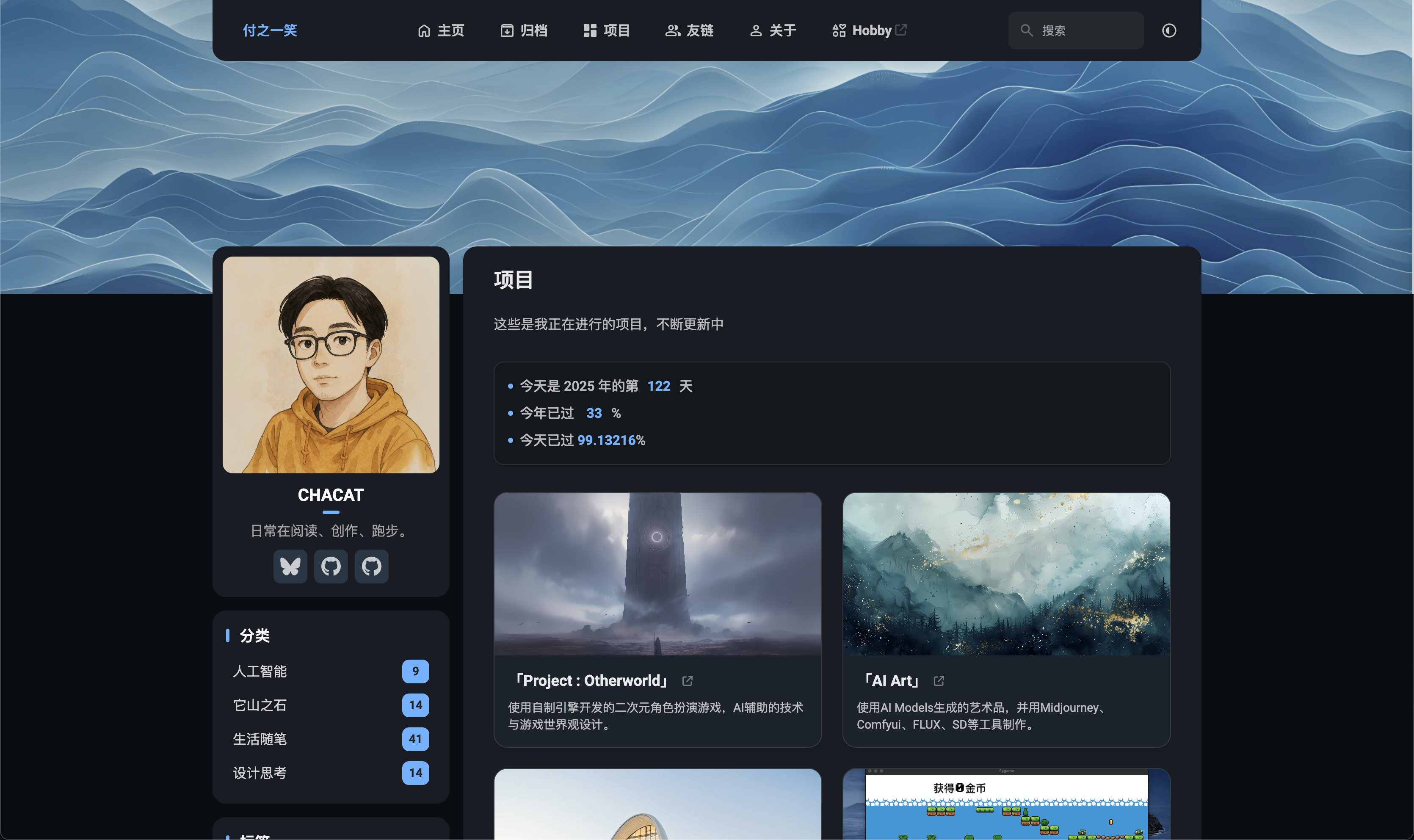
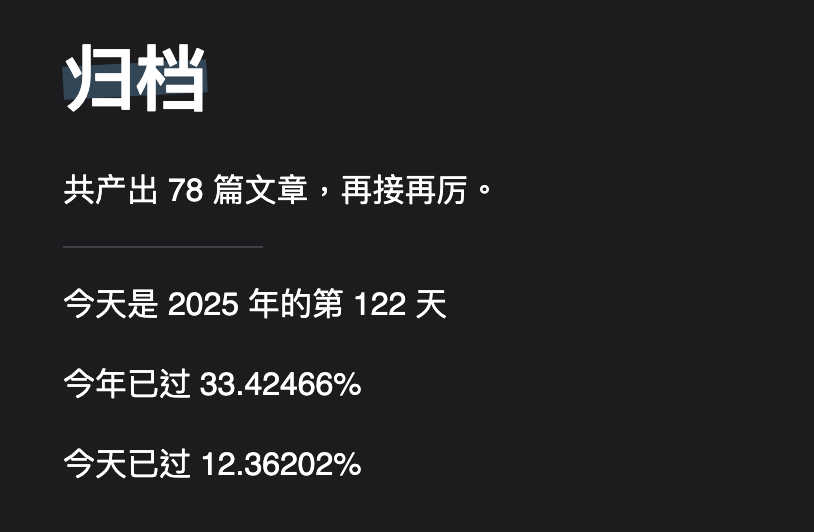
I migrated the image, title, and description display functionality for projects from the original theme to the new one. I also borrowed the time-scrolling style from the gyoza theme’s archive page and applied it to the new projects page.
Friends Links Page
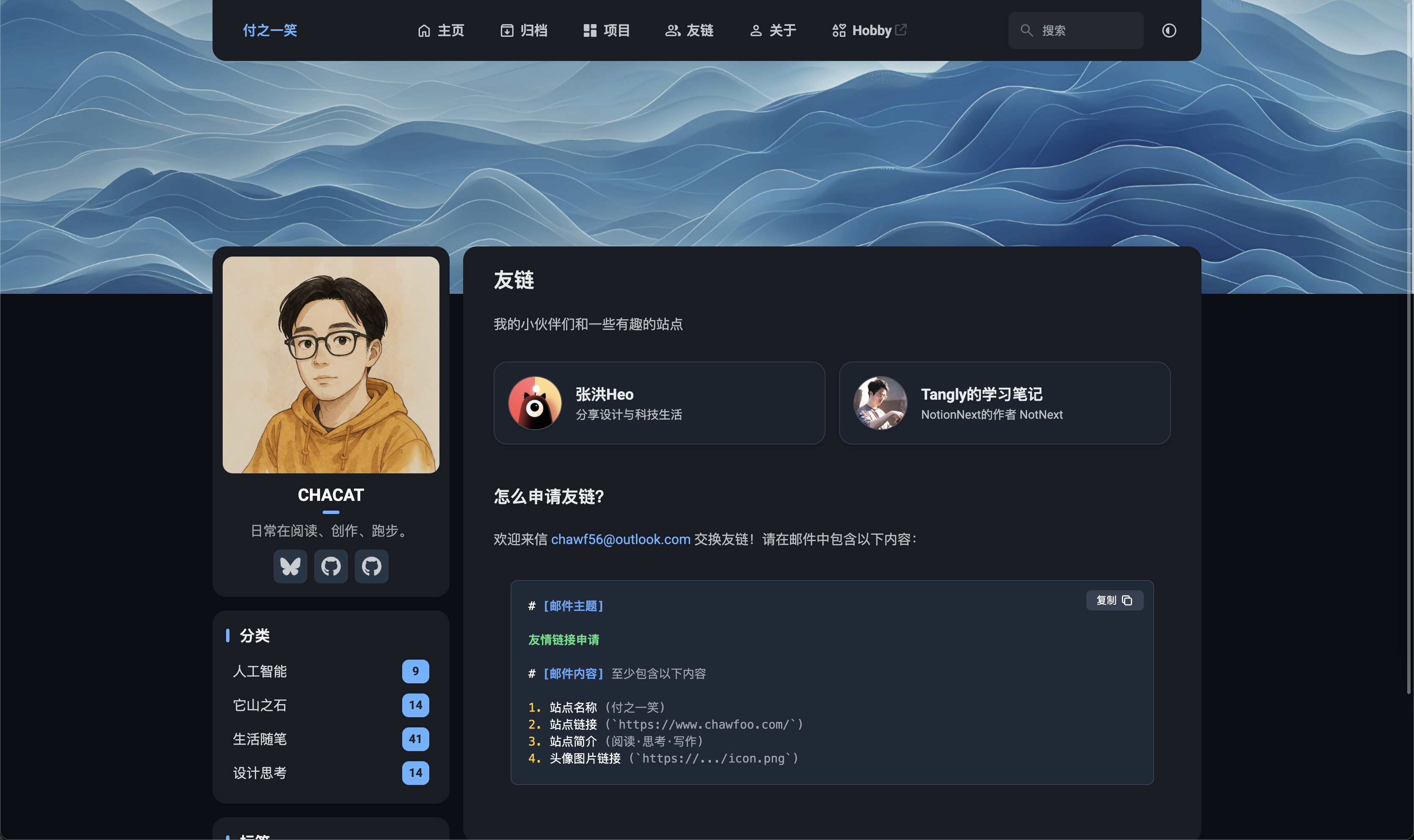
The fuwari theme does not include a friends links feature by default. I migrated the friends links page from the previous theme and additionally added a code copy function for easy copying of code snippets.
Simplified Article List

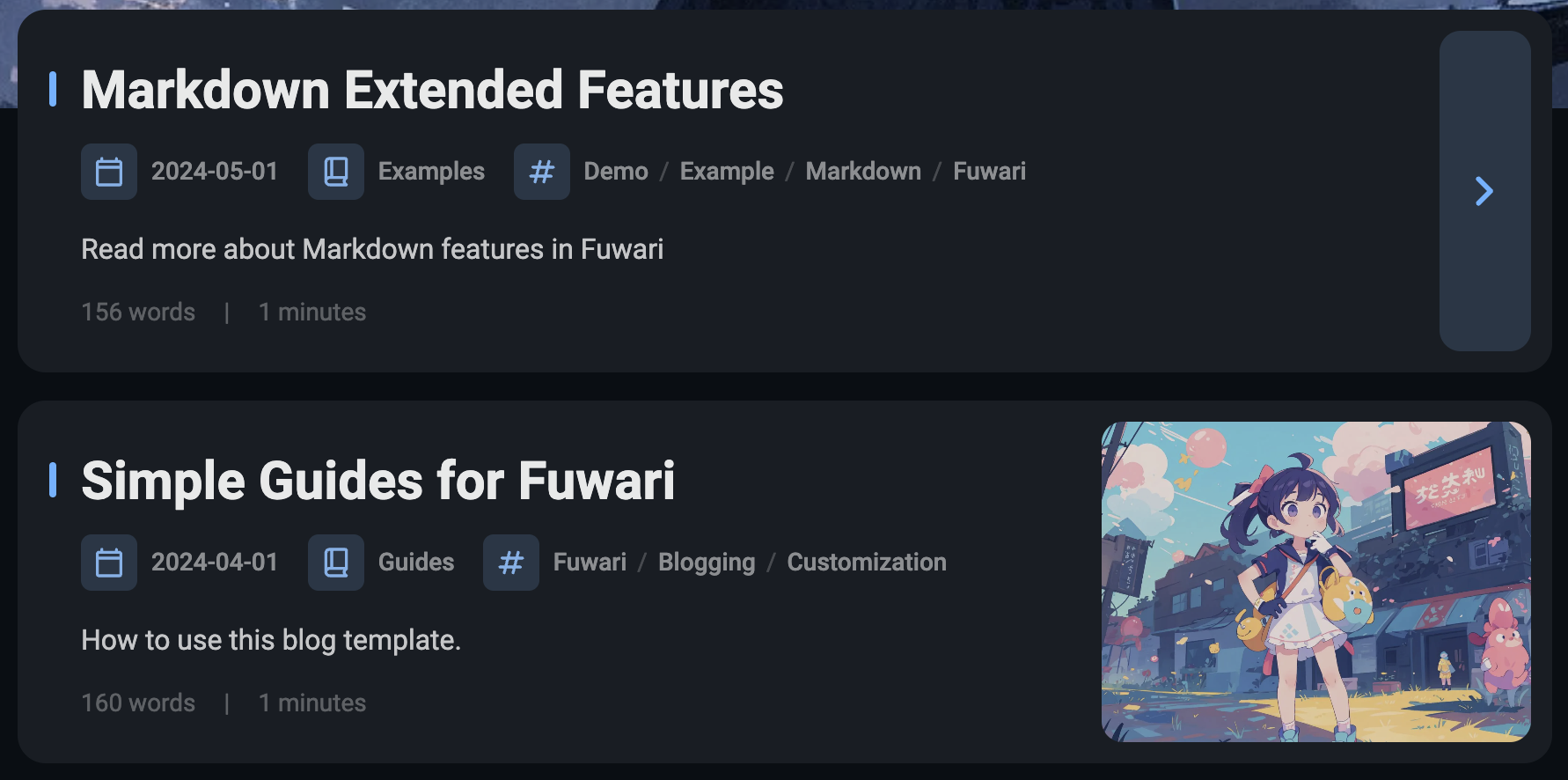
The original fuwari theme’s article list displayed metadata like category, tags, and publication time. To maintain a cleaner list, I chose to hide these elements.
Homepage Cover

The homepage cover image was previously generated using Midjourney, inspired by Chinese ink landscape paintings.
Conclusion
This migration process gave me a deep appreciation for the maturity and power of modern frontend frameworks. Especially with the assistance of an AI IDE, most of the work no longer required manual coding; instead, pages were built by providing images and clear requirement descriptions.
AI has indeed grown into a capable programming assistant. The debugging and modification process over these two days reminded me of the joy I felt in high school, immersed in writing code and making games at internet cafes.
I hope AI can help us rediscover our initial curiosity. Happy coding!
The RSS feed address for this site has been updated. Please resubscribe, dear readers!
💡 Thank you for reading! Feel free to share this article or reach out to me via email to chat.