Evernote, as a long-time tool for collecting notes and materials, has long become bloated. Its tree-like categorization always felt insufficiently interconnected in the evolution of knowledge structure, failing to effectively form knowledge zones. This became the catalyst for my choice of Notion.

Based on my assessment of web tool development, I tested several note-taking software available on the market and ultimately chose Notion. Its core “block” concept aligns with the component-based thinking in design software. The task then becomes converting note content into “blocks,” ultimately integrating them into a knowledge zone or a specific topic, leading to a deeper understanding of certain knowledge and, consequently, a better understanding of the world.
1. Introduction to Notion Features
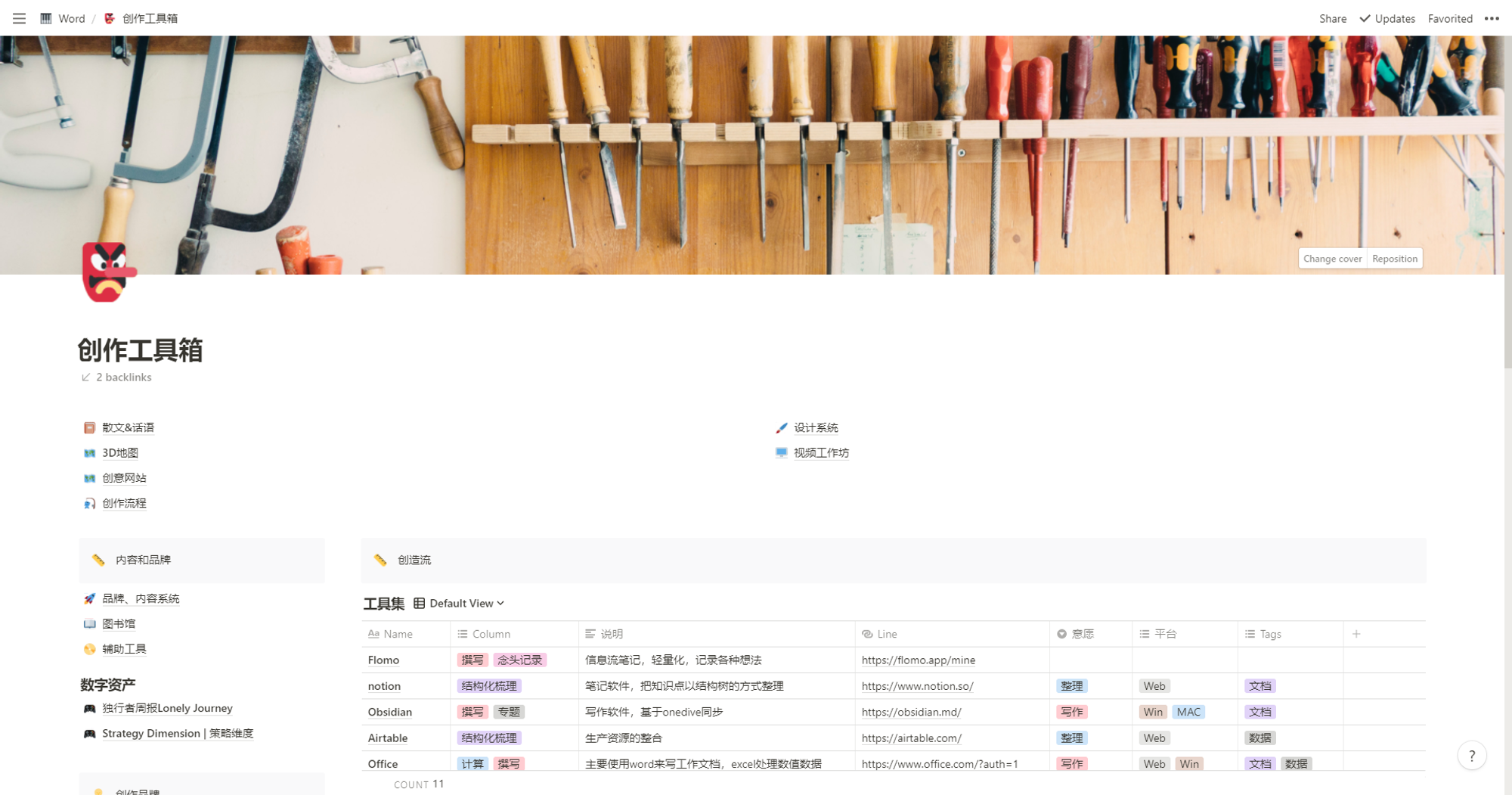
The left side is the functional area, and the right side is the note page:
- Part 1: Search, Quick Note, Settings
- Favorites Section: Can be simply understood as quick access
- Workspace: Space shared with others
- Private Section: Exclusive, private notes for yourself
- Functional Area: Template Gallery, Export, Trash
2. Functional Blocks (Officially called: Blocks)
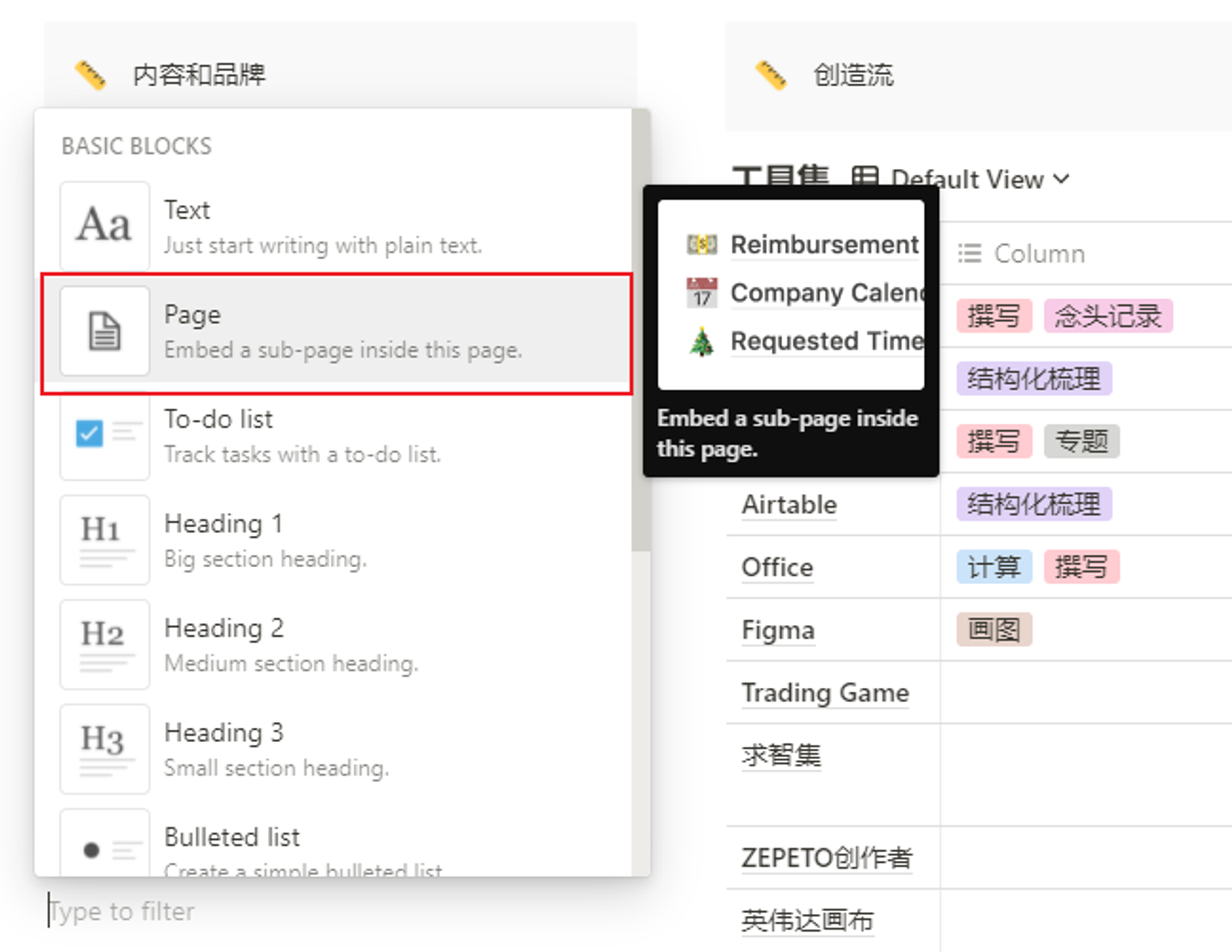
Click the + button on the left side of any empty line to pop up the functional block menu, allowing you to add text, images, quotes, code blocks, etc., within your note.
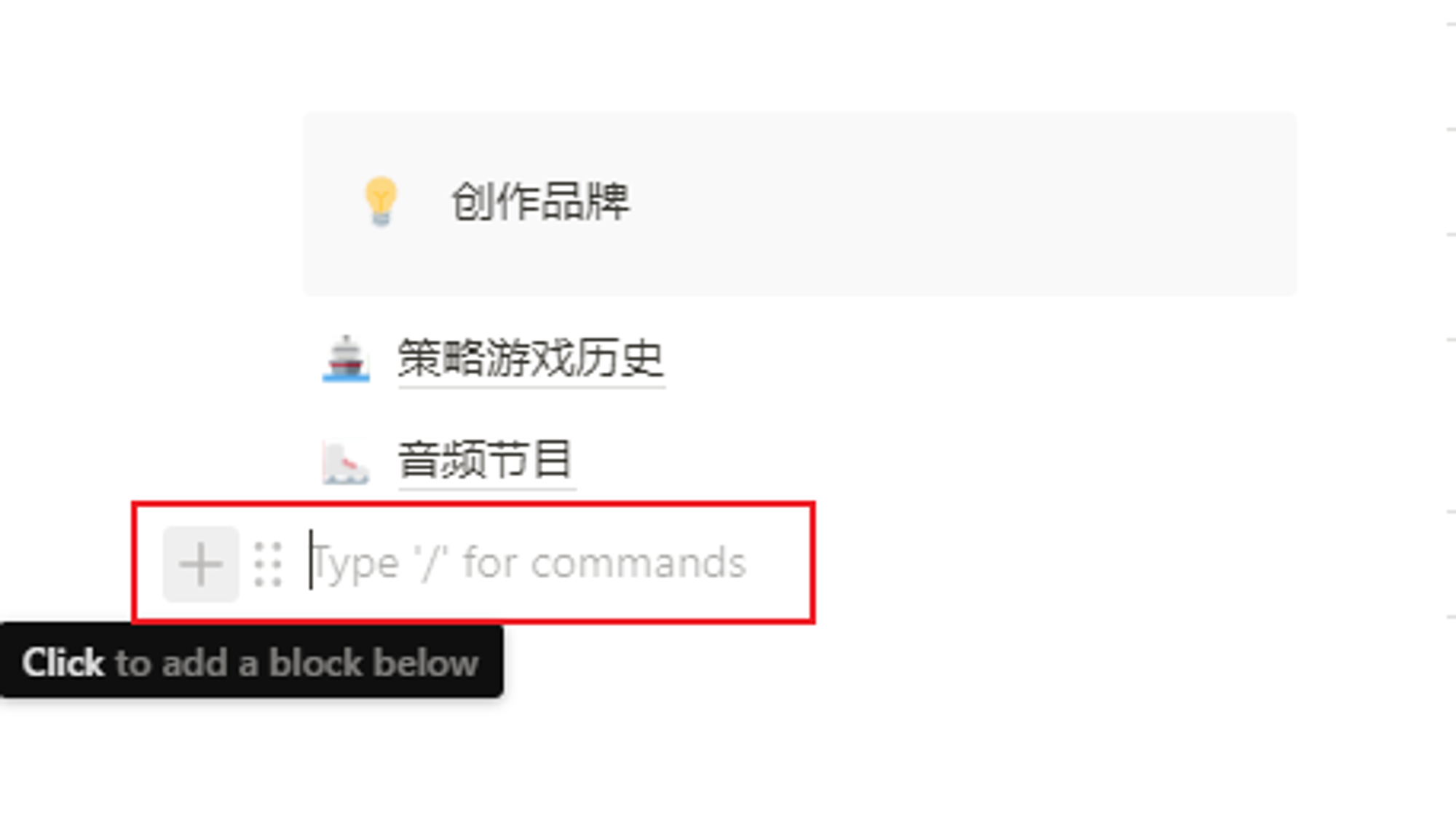
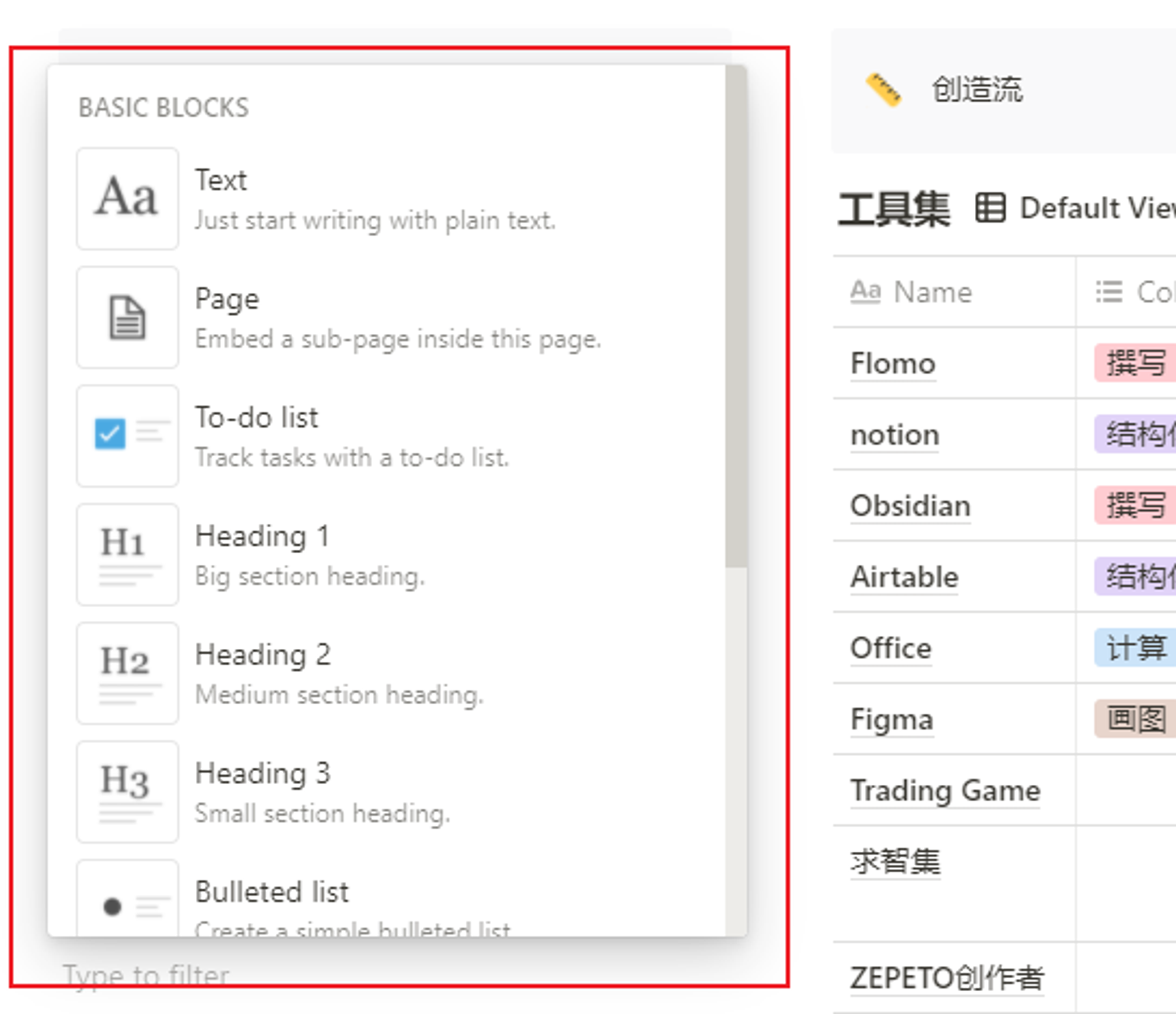
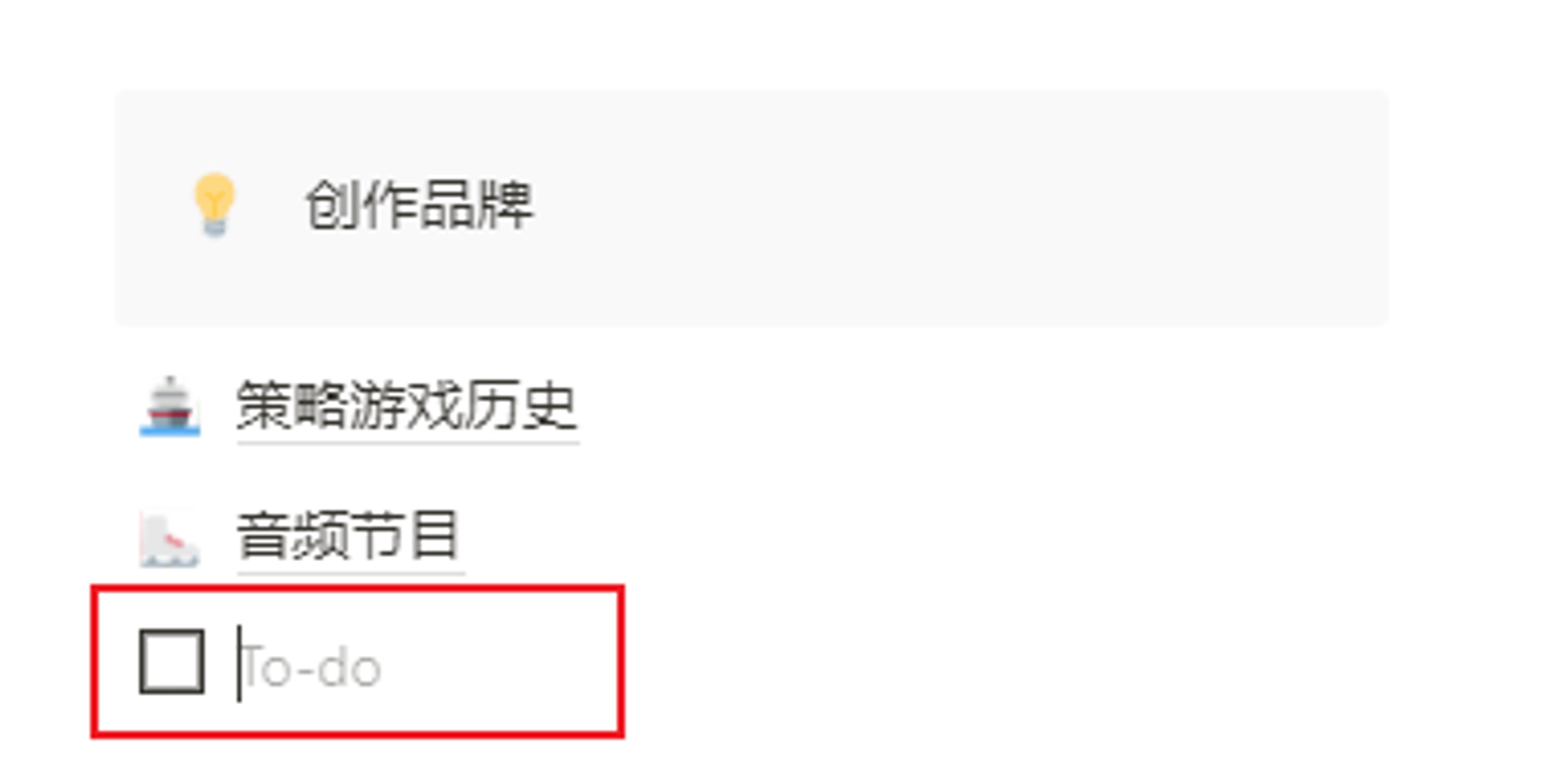
Clicking 【+】 brings up the quick-add functional block menu. You can add different blocks based on various needs. For example, you can add a To-do List in a schedule note.
3. Free Web Drag-and-Drop Layout
After adding functional blocks and writing content, what should you do if you need to adjust their positions?
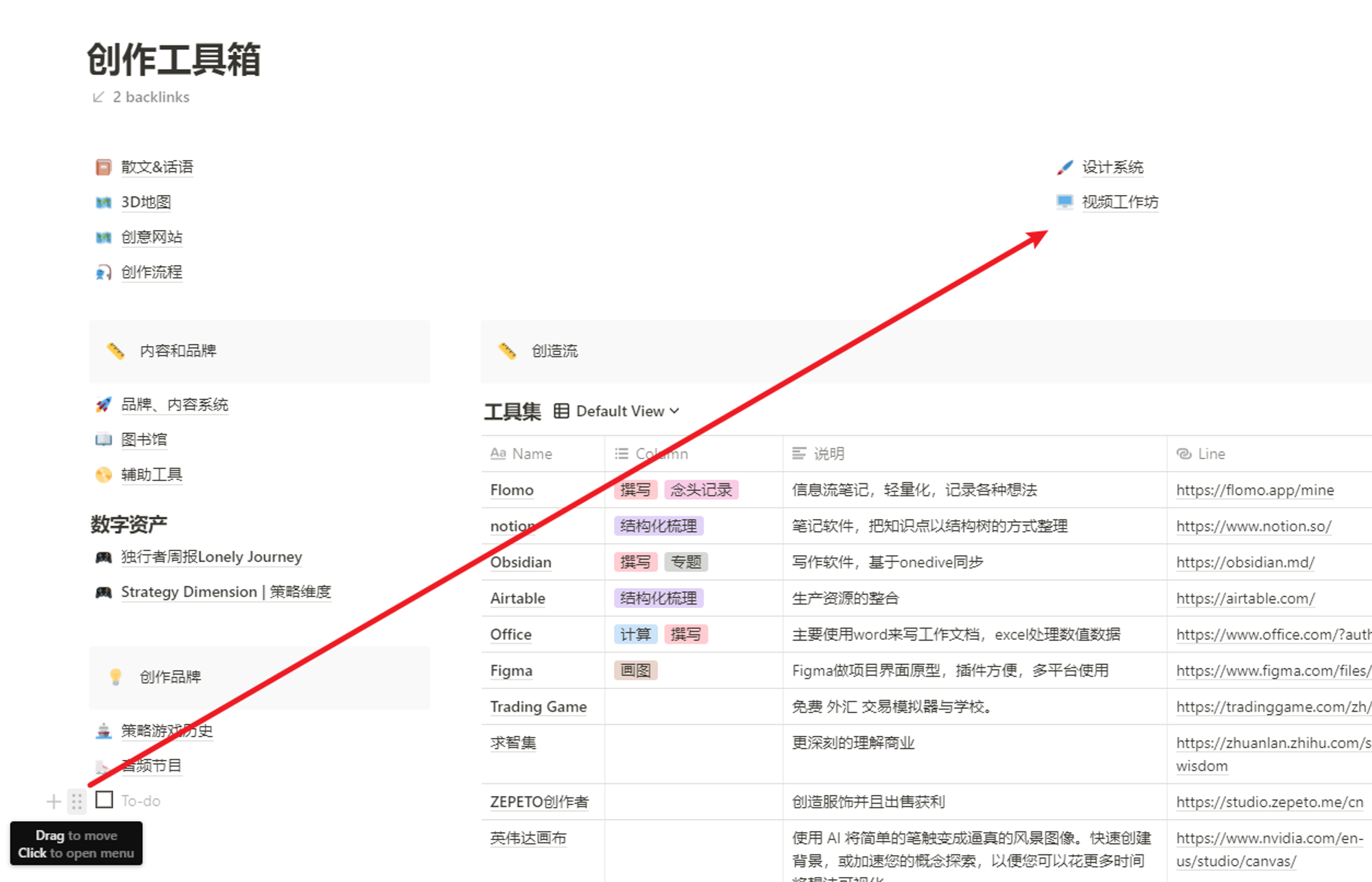
Hover your mouse to the left of a content item, and a drag handle will appear. Click and hold to drag it to any position, allowing you to create different layouts according to your needs.
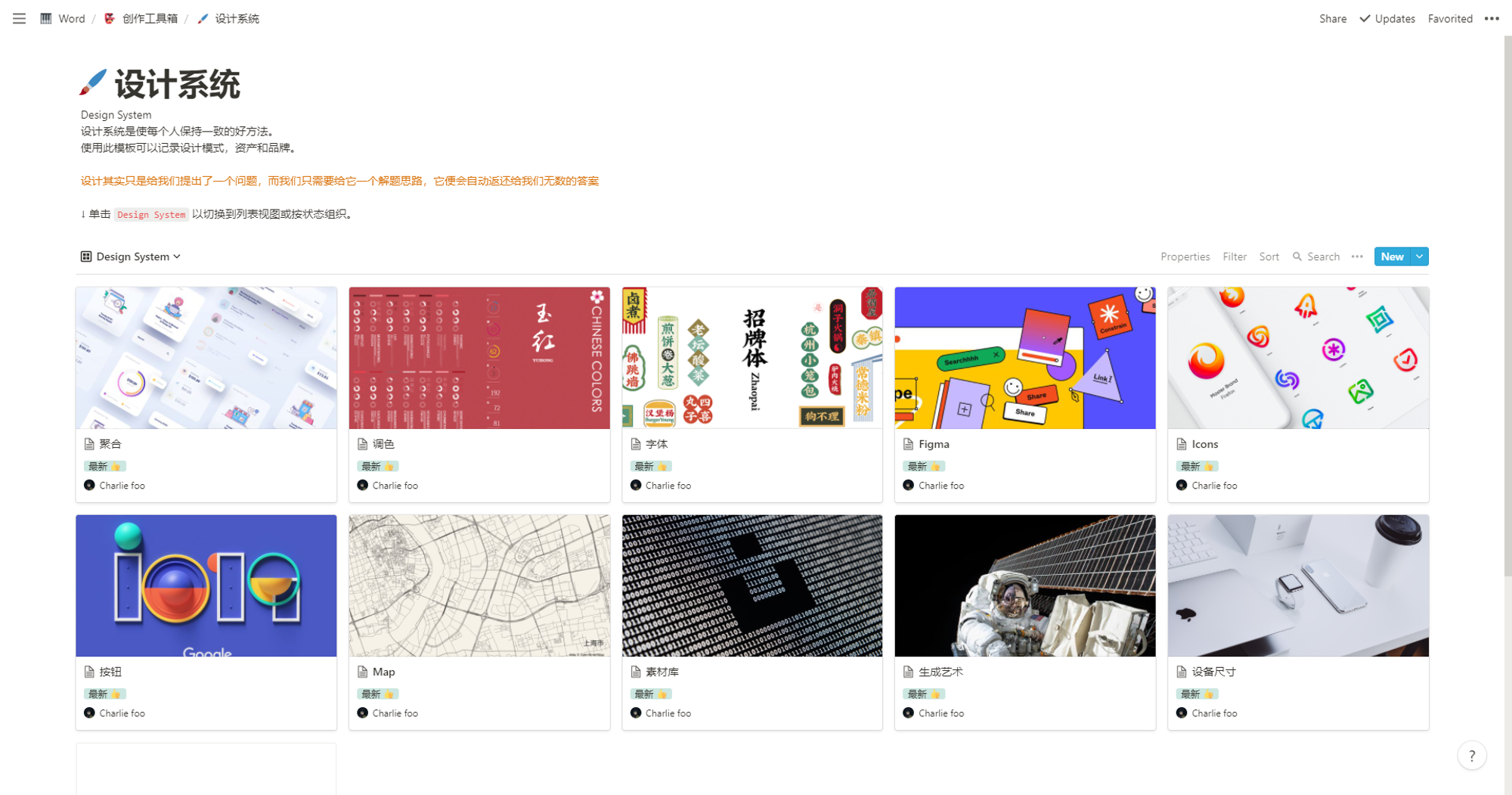
4. Pages
- When you need to organize previously added, scattered content, what should you do? The answer is to use the Page function to summarize and consolidate them.
A page is like a sheet of paper in a book, where you summarize knowledge points, continuously supplementing viewpoints and materials around a core idea. What makes the Page function better than a book is that it’s a sheet of paper that extends infinitely.
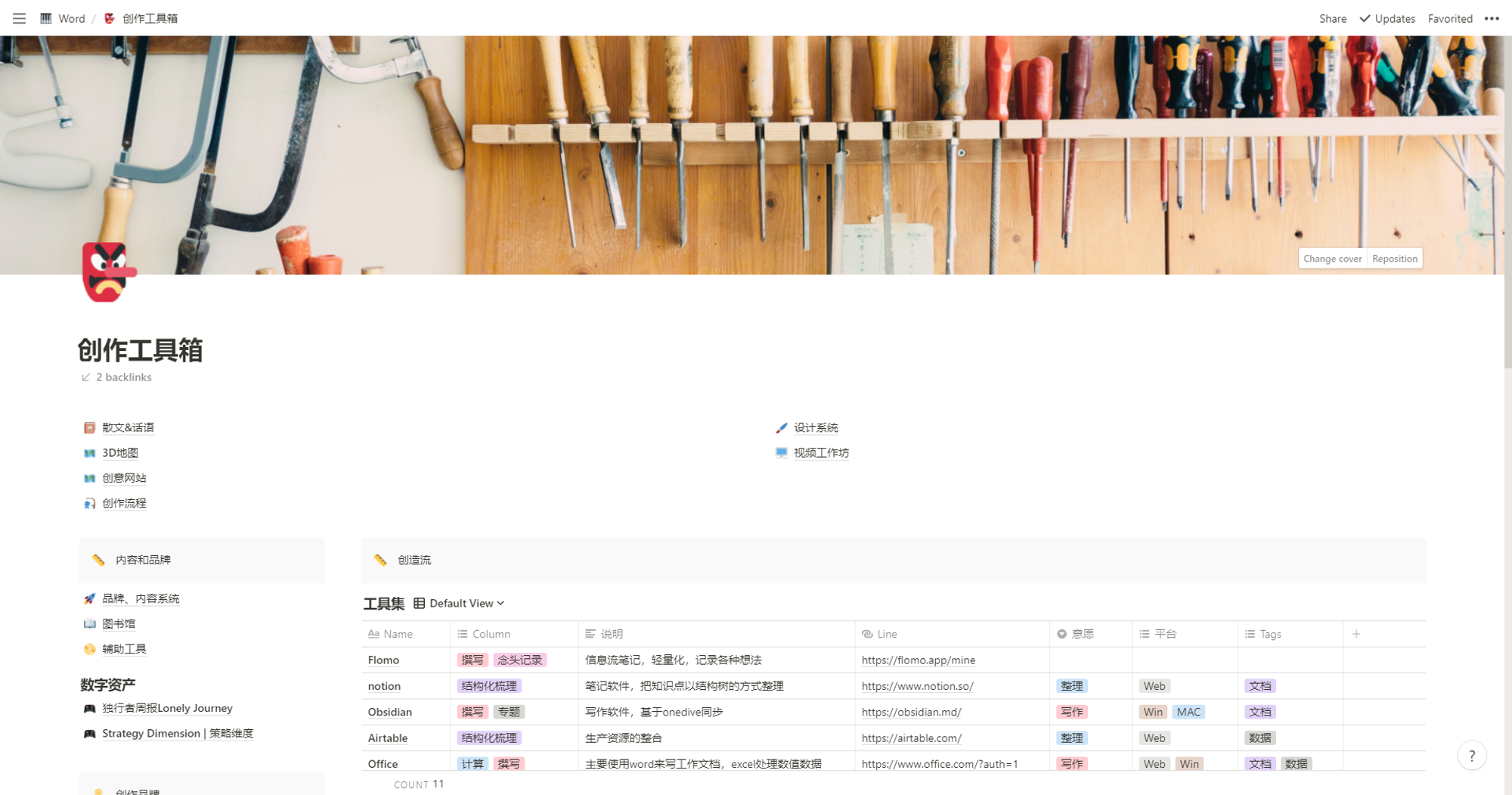
Notion excellently supports multi-layered structures. An article or data can be embedded within a previous article. We adopt this structural approach, using a library-style classification method to integrate similar content together, allowing them to interrelate. Using the P.A.R.A. information organization method to collect and manage knowledge forms an effective framework, offering a new understanding of information.
Organized information is integrated into a topic-based information organization system. In the following example, assuming all creation-related content has been aggregated, all the “appetizers” needed for our creation are prepared, awaiting the start of the formal creative process.
6. Topics
If the information organization system is the kitchenware we need to cook a dish, then the content of a topic is the seasoning for that dish. It makes the final created content more flavorful, aromatic, and visually appealing.
During the process of writing The Architecture Collection, I realized my understanding of architectural information was insufficient and needed more multidimensional content as references for writing. Searching for more reference content before each writing session was very inefficient. Based on the theme of architecture, I created an Architecture Topic, integrating all the informational dimensions I needed to understand. This made it much more convenient to look up necessary content during the writing process.
💡 Thank you for reading! Feel free to share this article or write to me to exchange ideas.
The RSS feed address for this site has been updated. Please resubscribe, dear readers!